# Tutorial: avatars on a web page
One live avatar on a page with no key, then several in your own canvas with the Renderer SDK.
## 1. One avatar, no key
The live avatar runtime is an iframe driven by a small script. Paste this into any page:
```html
```
`rt.avatar(manifest)` shows any avatar, and `rt.glb()` gives it as a model.
## 2. Get the Renderer SDK
For many avatars in your own canvas you need the SDK: a free app id, your page's origins, and the download
([getting it](../web-api.md#sdk-download)). The zip holds `sona-renderer.js`, its types and working examples.
## 3. Draw avatars in your canvas
```js
import { SonaRenderer } from './sona-renderer.js';
const canvas = document.querySelector('canvas');
const sona = await SonaRenderer.create({ canvas });
const a = sona.add(manifestBase64, { position: [0, 0, 0], turn: 0 });
const b = sona.add(otherManifest, { position: [1.2, 0, 0], turn: -20, clip: 'GenericWave' });
sona.camera.preset('crowd');
await a.ready;
a.play('GenericClap');
```
`add()` returns at once; the avatar appears when it is ready. With `loop: 'manual'` avatars build only inside
`frame()`: draw frames until they are ready, or `await sona.settle()` (it draws them, and rejects with `not_ready`
after `seconds`, default 120). Serve the page over https, or `http://localhost` while you develop.
The SDK talks to one host, `https://360sona.com` unless `create` names another: the origin check, the asset
bridge (a hidden frame) and the CSP lines in the zip's README all use it. `host` points a page at another 360sona
service, such as one of your own for tests:
```js
const sona = await SonaRenderer.create({ canvas, host: 'http://127.0.0.1:18991' });
```
To check a page with no person and no GPU, open it in headless Chromium with a software WebGL2:
`chromium --headless=new --enable-unsafe-swiftshader --remote-debugging-port=9222 `, then take the picture with
`await sona.snapshot()` (a PNG `Blob`) or a page screenshot over the DevTools protocol (Playwright and Puppeteer start
it the same way). Reading the WebGL2 canvas back with `drawImage` or `getImageData` gives a blank picture, because the
canvas is cleared after each frame is shown.
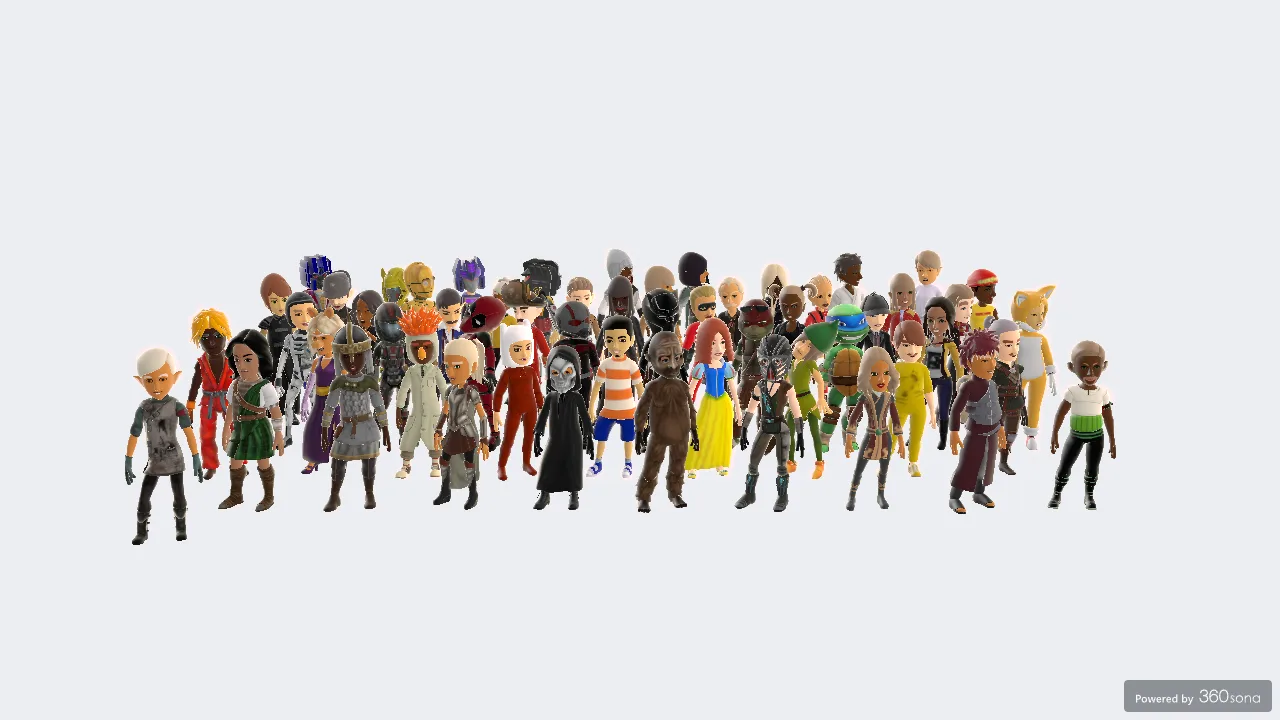
A page of many avatars, drawn by the Renderer SDK:
The camera has the console's framings as presets. `preset()` takes `'full'`, `'upper'`, `'bust'`, `'face'` or
`'crowd'` and the avatar to frame; `over` eases there in seconds:
```js
import { SonaRenderer } from './sona-renderer.js';
const canvas = document.querySelector('canvas');
const sona = await SonaRenderer.create({ canvas });
const avatar = sona.add(manifestBase64, { clip: 'GenericStand5' });
await avatar.ready;
for (const framing of ['full', 'upper', 'bust', 'face']) {
sona.camera.preset(framing, avatar, { over: 0.6 });
await new Promise((done) => setTimeout(done, 2000));
}
```
## 4. In three.js, Babylon.js or React
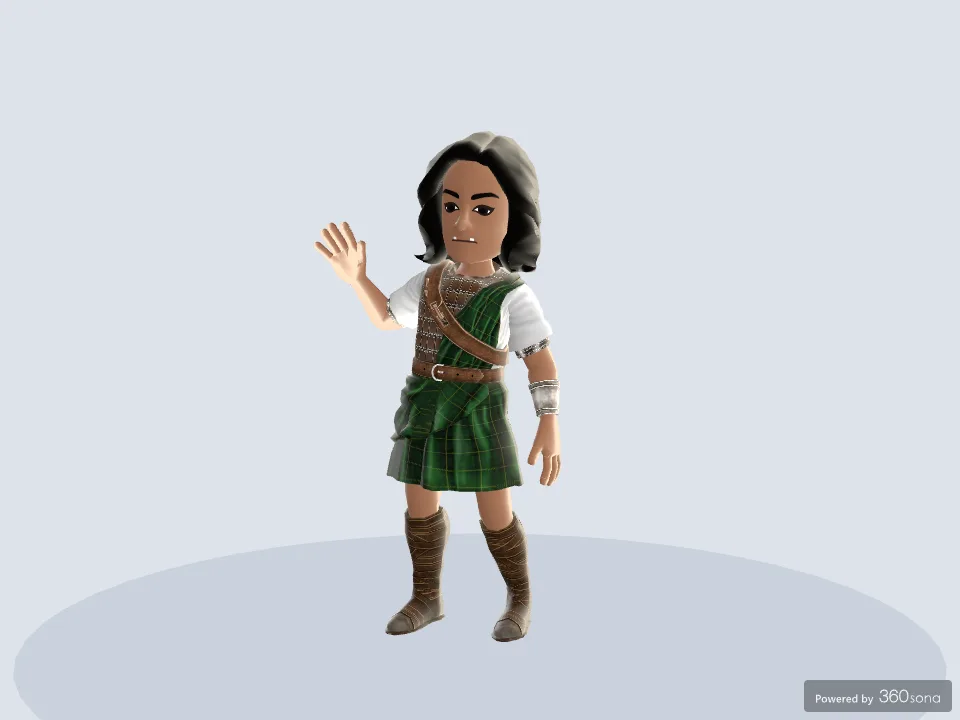
The packages `@360sona/three`, `@360sona/babylon` and `@360sona/react` put the same avatars in those libraries
([guide](../guides/web-wrappers.md)). In three.js:
## Next
- The player editor as an element: [``](../guides/web-editor.md).
- WebGPU and WebGL2: [guide](../guides/web-webgpu.md).
- Credit: the SDK draws a small "Powered by 360sona" badge; with `credit: false`, put the line in your credits or
about page.