 xsdk

Plaza starter

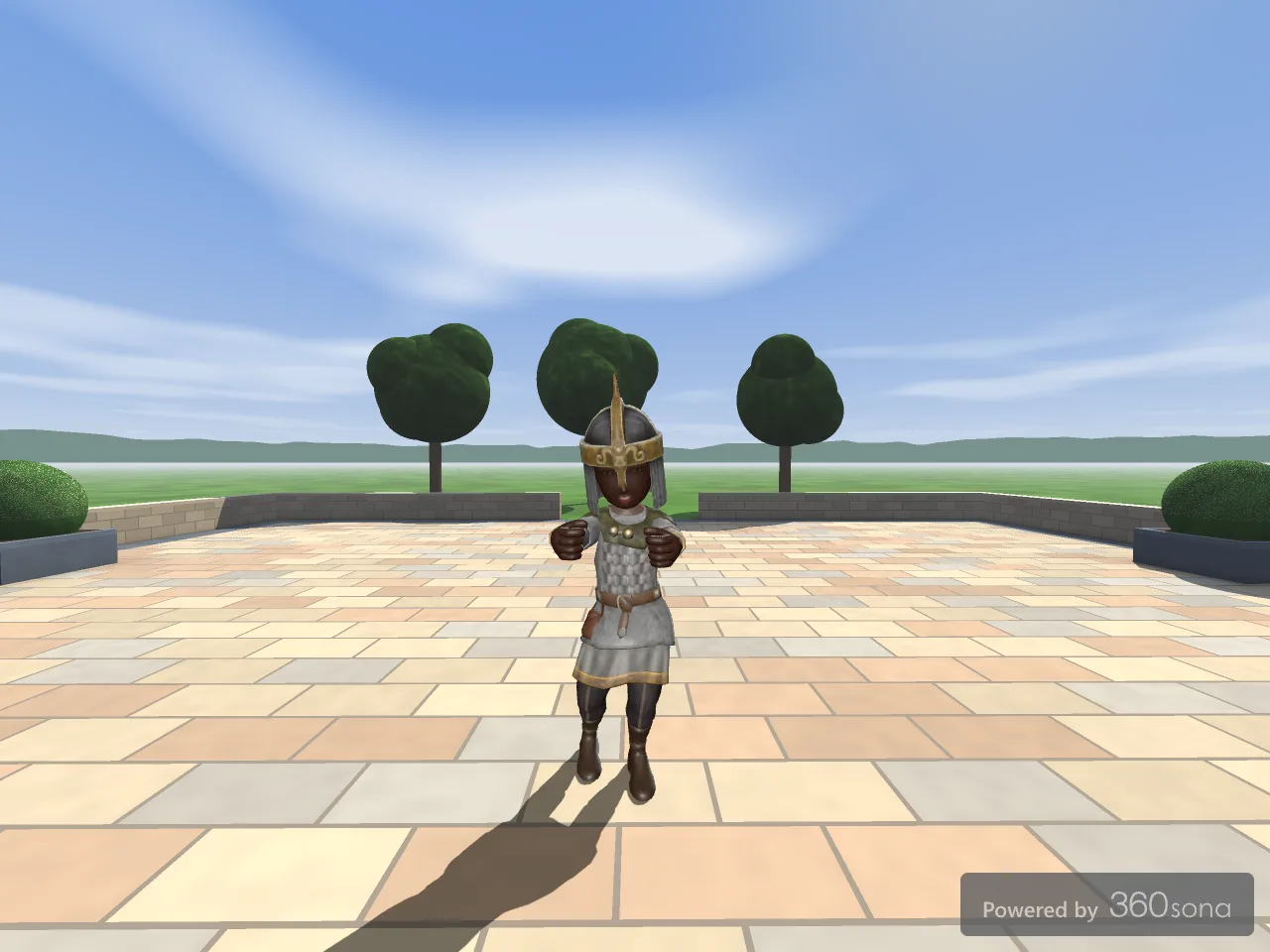
Avatars walking around a plaza. The same bare starter on every platform: start here.
Use this template360sona is a free toolkit for using Xbox 360 avatars in your own games, apps and web pages.
new SonaRuntime(element)

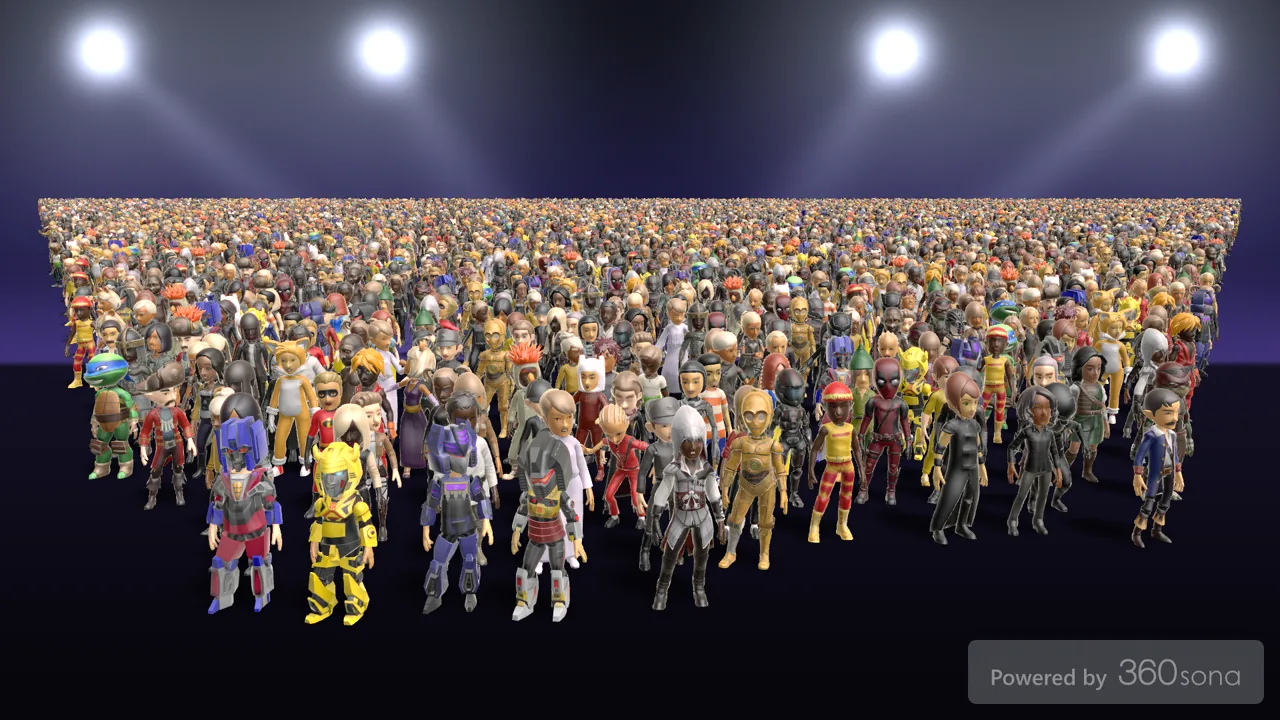 10,000 in one frame
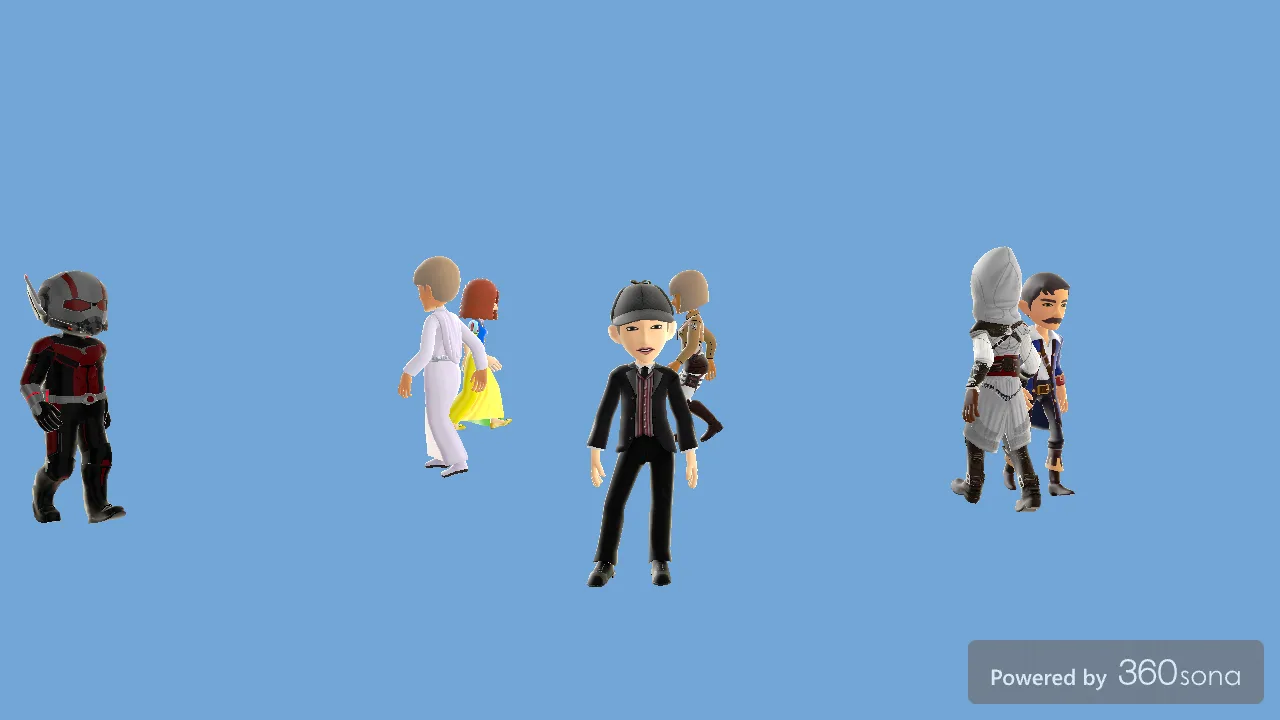 Xbox 360 homebrew
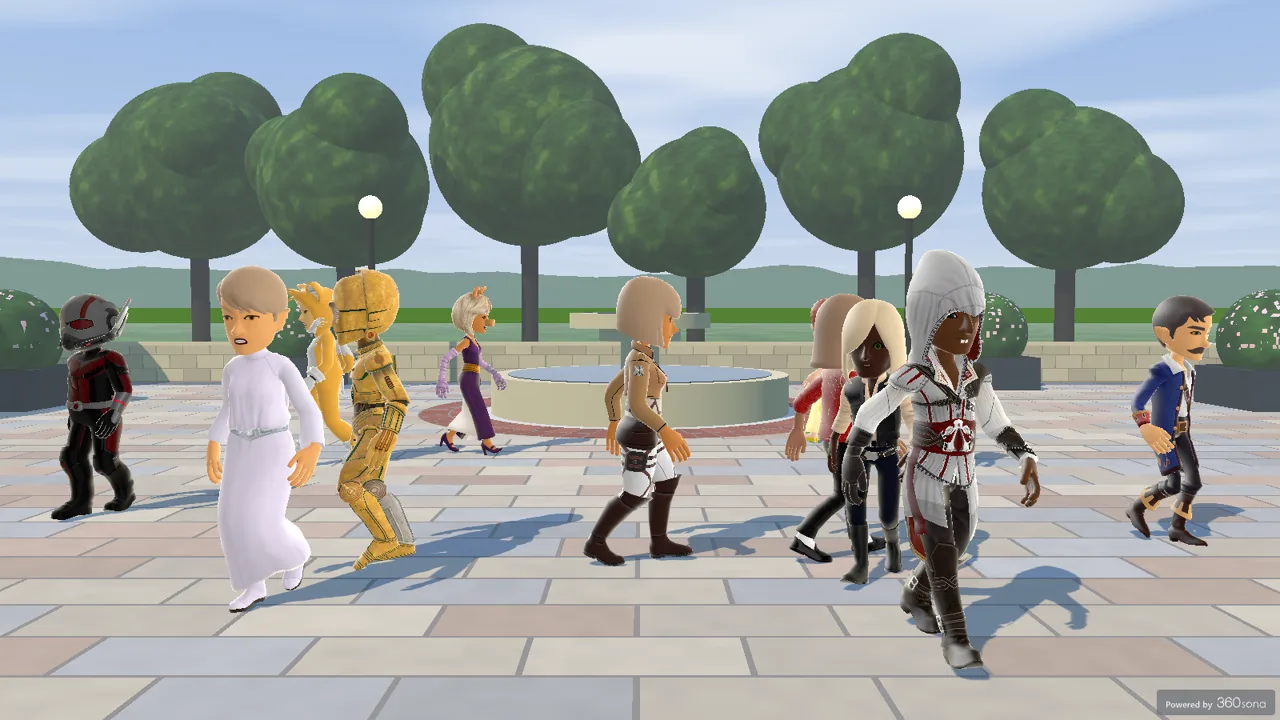 Godot
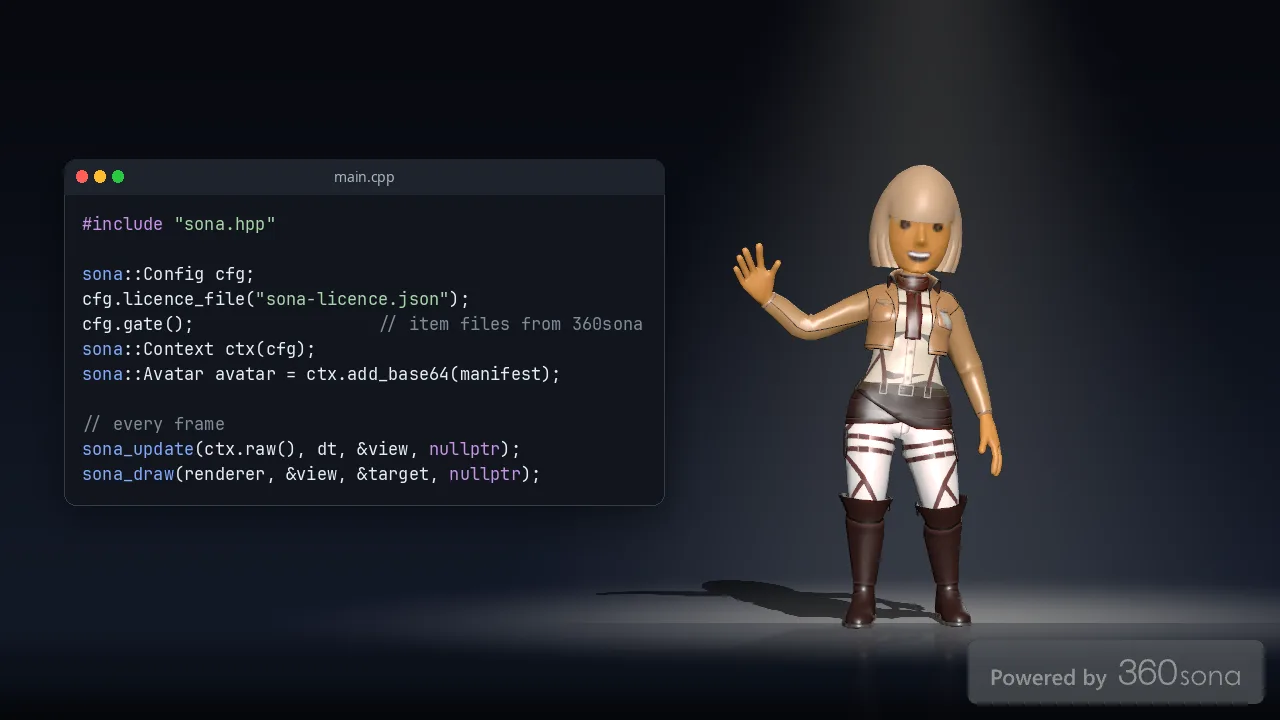 C and C++
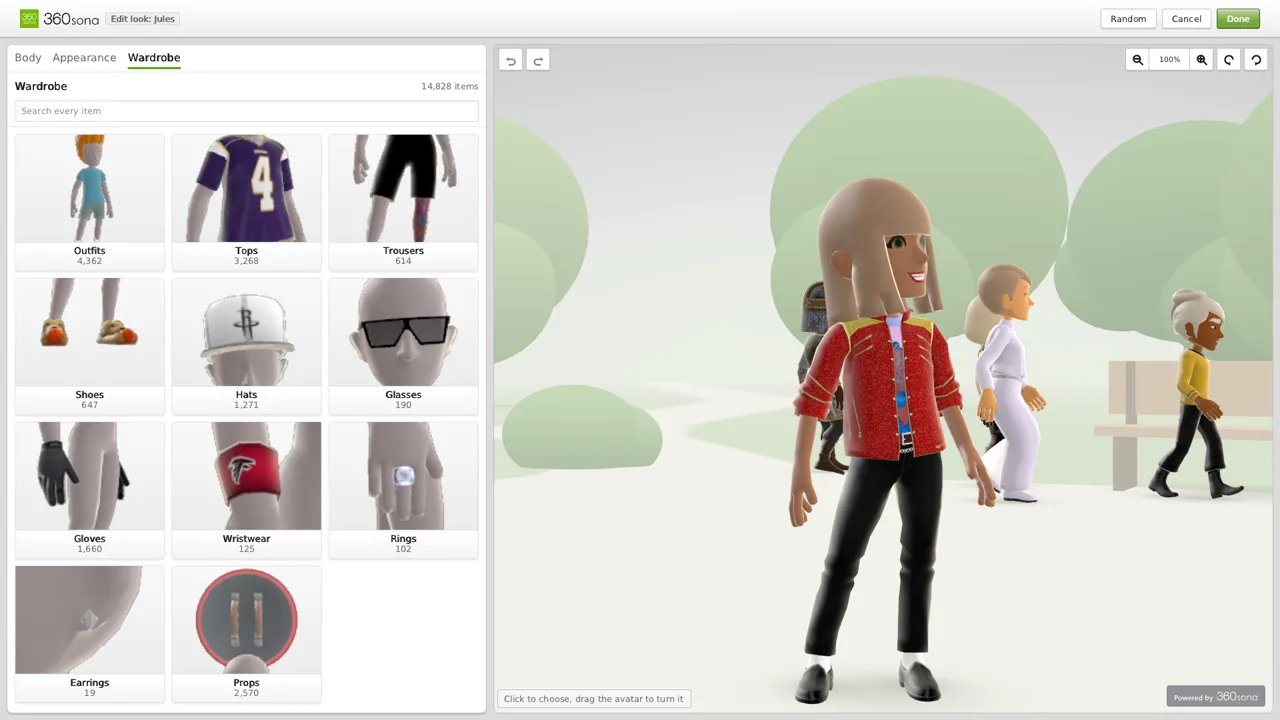 The drop-in editor
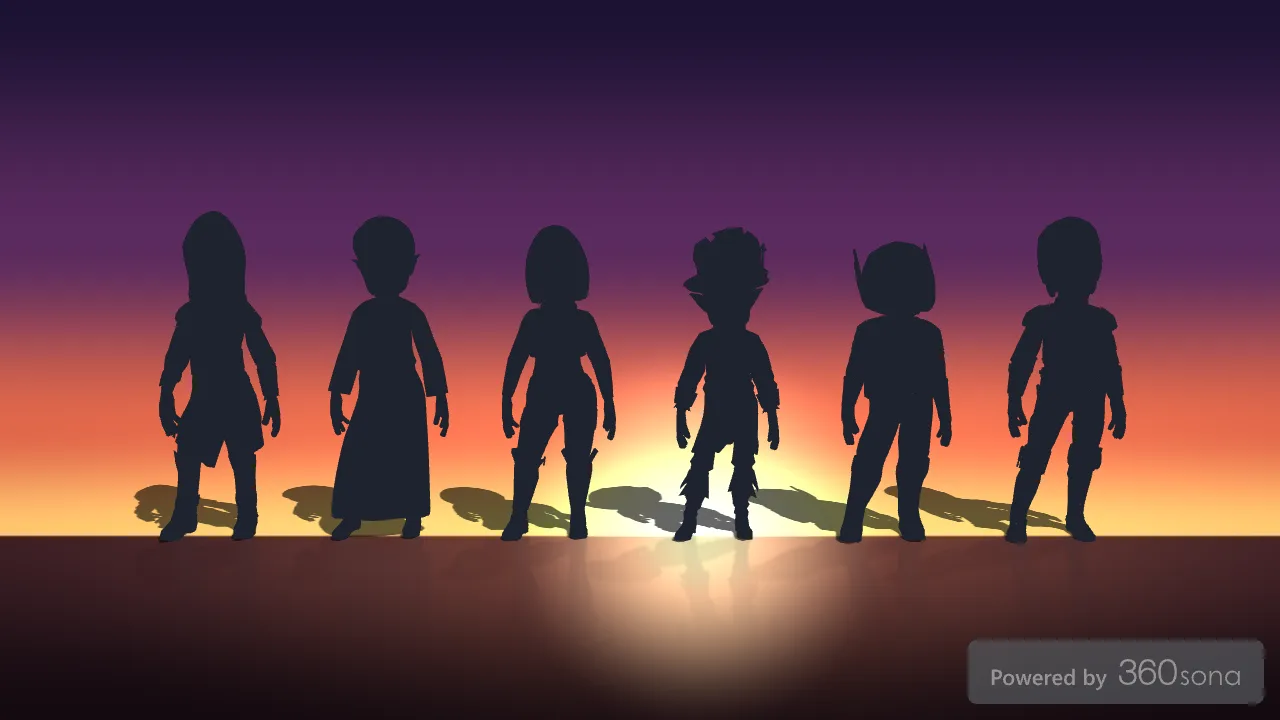 Styles
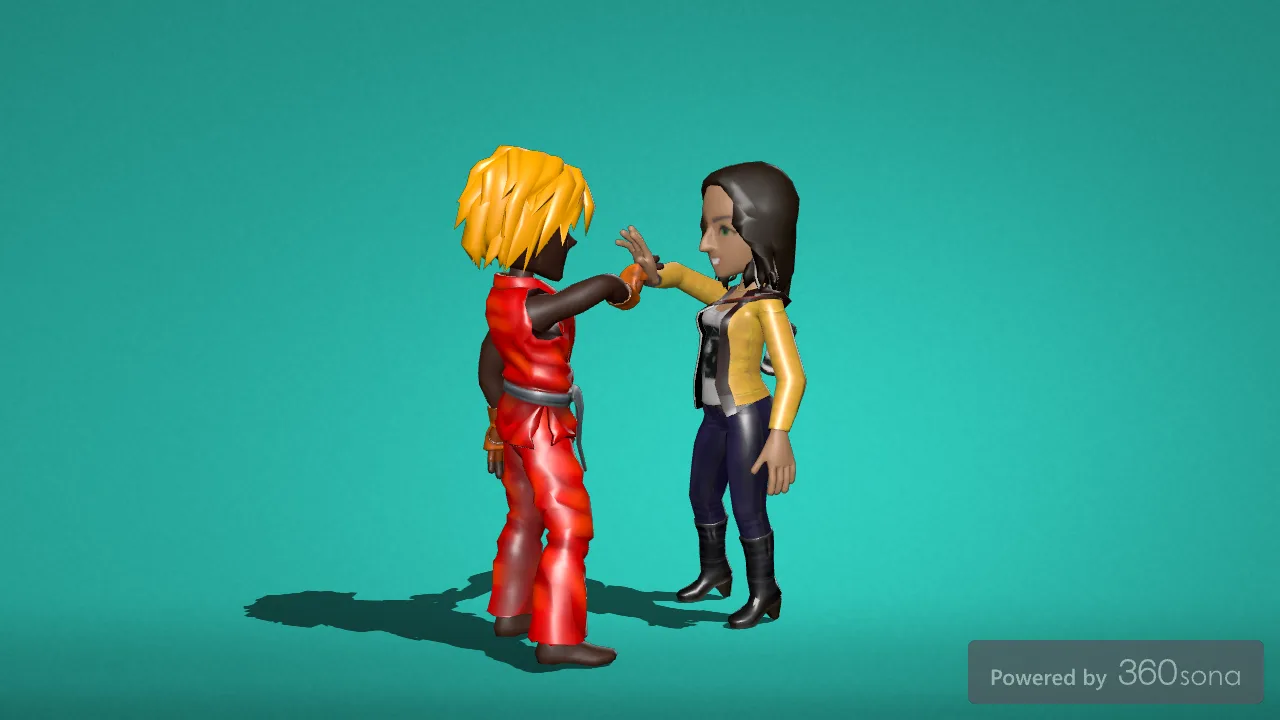 Interactions
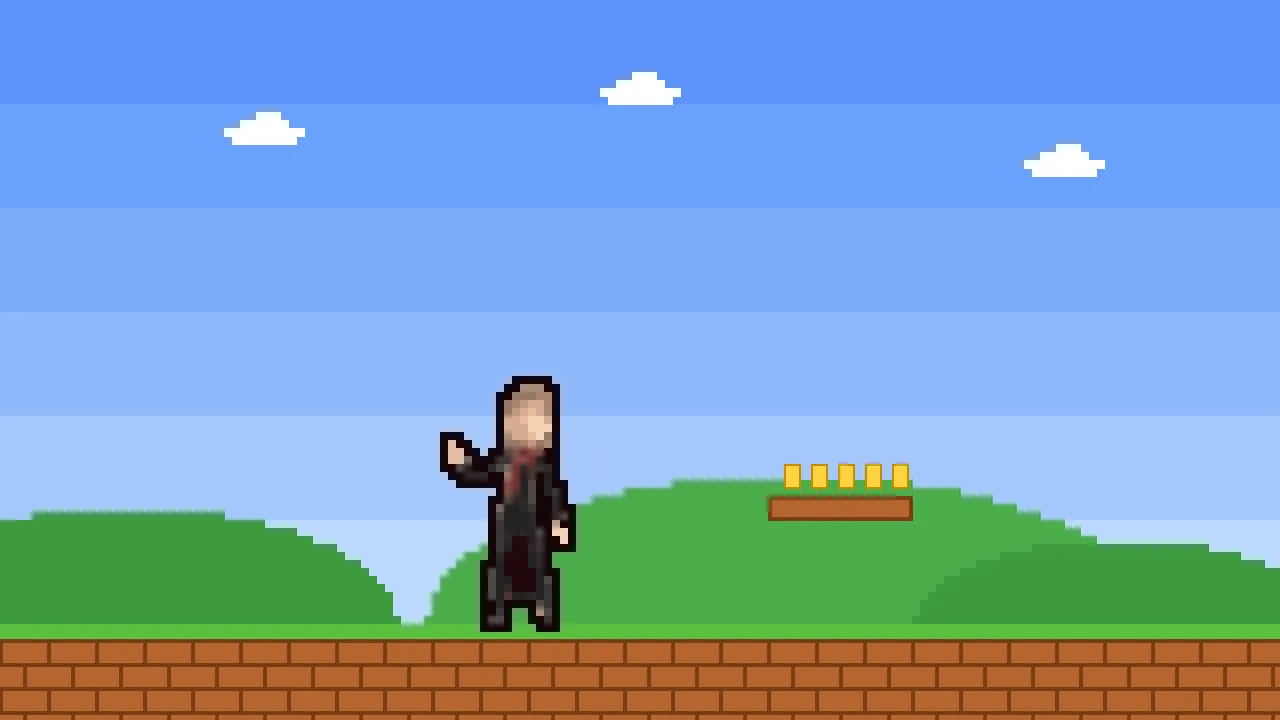 Pixel art
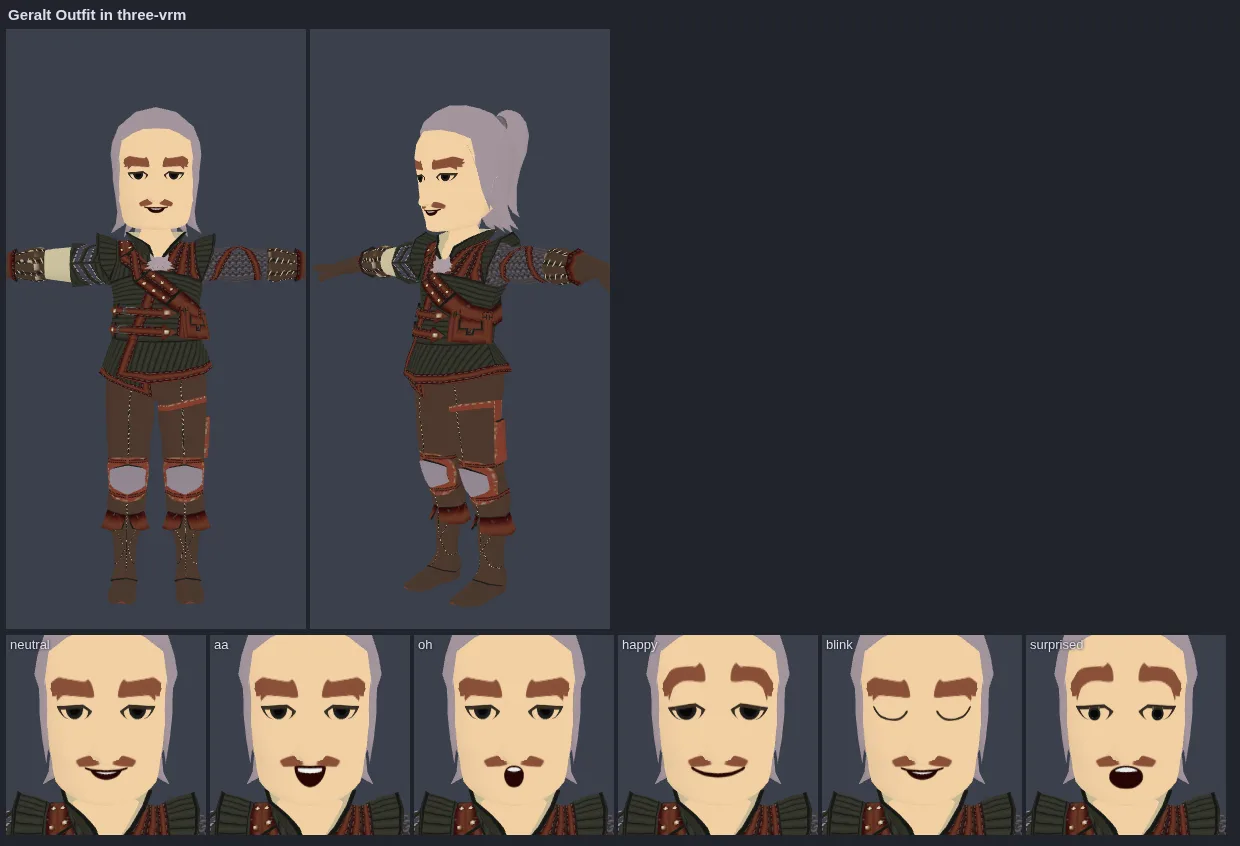 VRM export
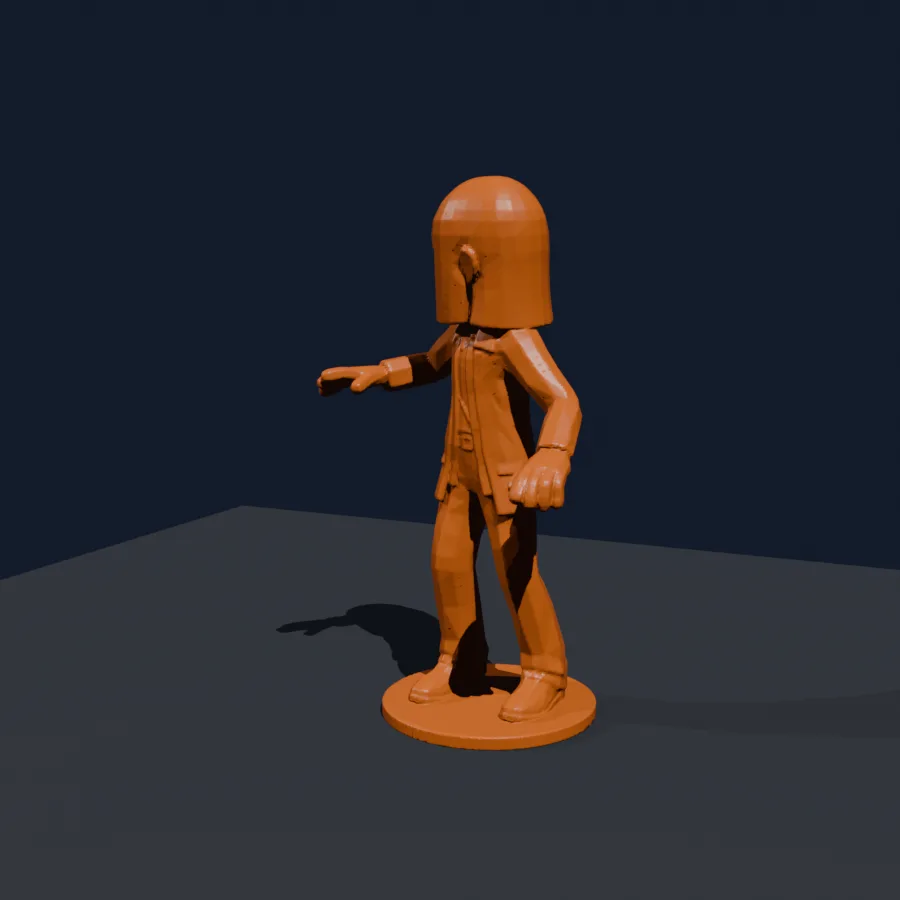 3D prints
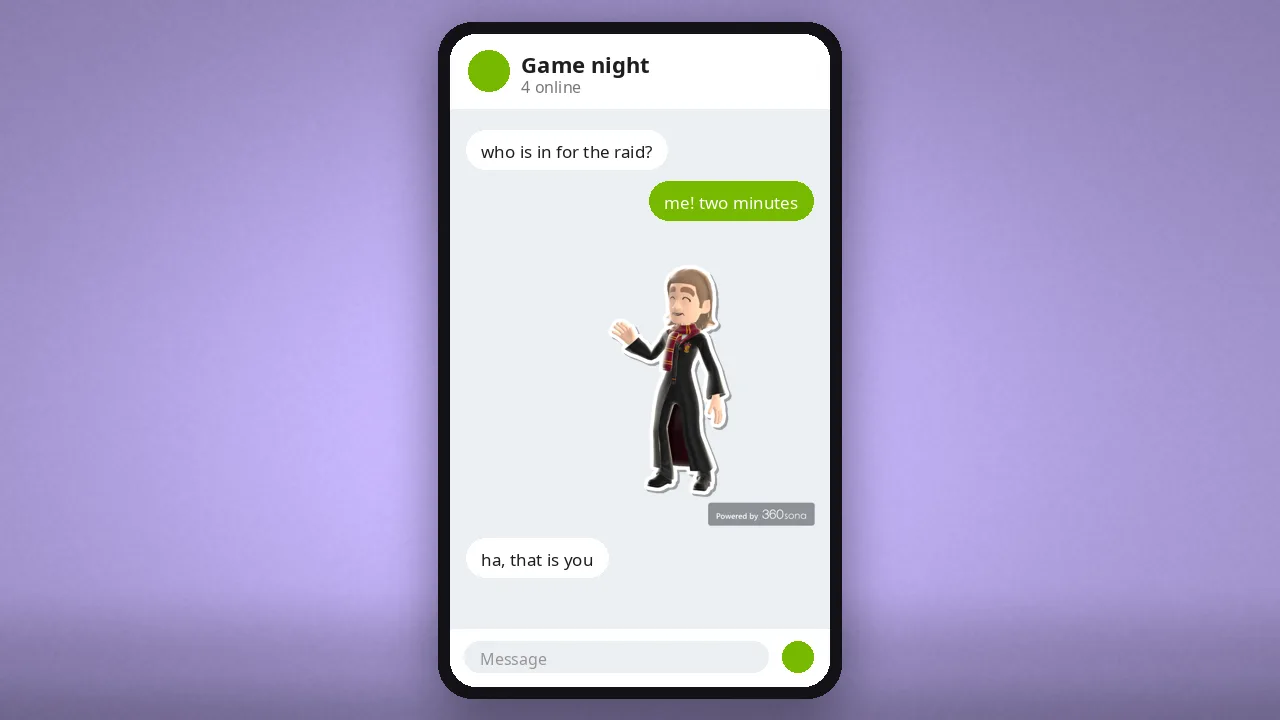 Stickers
 SDK Studio
 VR
Draw live avatars in your own game, app or canvas. The same avatars, clips and look on every platform.
Avatars back on the console they came from. The xbox360 download builds games for a modded Xbox 360 with xsdk, run from its dashboard like any other title. The player's own avatar comes from their gamertag and every item streams from 360sona over HTTPS. The starter, sona-plaza, puts the player in a plaza with the cast walking round.

<div id="avatar" style="width:320px;height:480px"></div>
<script src="https://360sona.com/sona-runtime.js"></script>
<script>
  const rt = new SonaRuntime(document.getElementById('avatar'));
  rt.ready.then(async () => {
    await rt.starter(1);            // 1 male, 2 female; or rt.avatar(manifest)
    await rt.play('GenericWave');
  });
</script>
No key or sign-in. Runtime docs
// A plain-clothes NPC, the same one every time for this seed
const npc = await fetch('https://360sona.com/sona/v1/avatar/random?seed=guard-7&style=plain').then((r) => r.json());

// As a .glb with a Unity humanoid rig and the animations
const rt = new SonaRuntime(element);
await rt.ready;
await rt.avatar(npc.manifest);
const { glb } = await rt.glb();
Load it with glTFast in Unity, or in Godot, Blender or three.js. 3D model docs
// Search the wardrobe
const { items } = await fetch('https://360sona.com/sona/v1/items?q=hoodie&plain=1').then((r) => r.json());

// Build an avatar from items, then read it back
const built = await fetch('https://360sona.com/sona/v1/avatar/build', {
  method: 'POST', headers: { 'Content-Type': 'application/json' },
  body: JSON.stringify({ gender: 'female', items: [items[0].id], colours: { hair: '#2b1d16' } }),
}).then((r) => r.json());

// Someone's real Xbox avatar (needs an app id)
const xbox = await fetch('https://360sona.com/sona/v1/gamertag/Major%20Nelson?client=YOUR_APP_ID').then((r) => r.json());claude mcp add --transport http 360sona https://360sona.com/sona/mcp{ "mcpServers": { "360sona": { "type": "http", "url": "https://360sona.com/sona/mcp" } } }Tools to search items, make, build, read and check avatars, and look up gamertags. MCP docs
import { createHash, randomBytes } from 'node:crypto';

const verifier = randomBytes(48).toString('base64url');
const challenge = createHash('sha256').update(verifier).digest('base64url');
const state = randomBytes(12).toString('base64url');
openInBrowser('https://360sona.com/link.html?' + new URLSearchParams({
  client: 'YOUR_APP_ID', redirect: 'yourapp://linked', method: 'S256', challenge, state }));

// Your app gets yourapp://linked?code=...&state=... back
const tokens = await fetch('https://360sona.com/sona/v1/token', {
  method: 'POST', headers: { 'Content-Type': 'application/json' },
  body: JSON.stringify({ grant_type: 'authorization_code', client: 'YOUR_APP_ID',
                         redirect: 'yourapp://linked', code, verifier }),
}).then((r) => r.json());
Needs an app id: make one, they're free. Sign-in docs
// Package Manager: Add package from git URL
var avatar = gameObject.AddComponent<SonaAvatar>();
avatar.manifestBase64 = manifest;
avatar.Play("GenericWave");
The SonaAvatar component, in the Inspector or from code. Guide
# AssetLib: 360sona
var avatar := SonaAvatar3D.new()
avatar.manifest = manifest
add_child(avatar)
avatar.play("GenericWave")
The SonaAvatar3D node, from the editor or from GDScript. Guide
// Plugins: 360sona
USonaAvatarComponent* Avatar = CreateDefaultSubobject<USonaAvatarComponent>(TEXT("Avatar"));
Avatar->SetManifest(Manifest);
Avatar->Play(TEXT("GenericWave"));
The USonaAvatarComponent, from C++ or Blueprints. Guide
sona_ctx *ctx;
sona_open(&cfg, &ctx);

sona_avatar *me;
sona_avatar_add(ctx, manifest, NULL, &me);
sona_avatar_play(me, "GenericWave", NULL);
The C core. C++, C#, Rust and Python wrap the same calls. Guide
The SDK's desktop app. Every item with a live 3D view, an avatar builder, a scene of up to 10,000, PNG and GLB export, and the docs offline. It comes with the tools for Windows, macOS and Linux.

 Home
 Avatar builder
 Scene
 Docs
 About
 Loading
Avatars walking around a plaza. The same bare starter on every platform: start here.
Use this template
The demo app as a project: a web page and a C++ app from one design.
Use this template
Webcam and mic drive the face. Shows in OBS as a transparent window.
Use this template
An avatar that talks, emotes and looks at the player.
Use this template
OpenXR. Your own body with IK, a mirror, other players as avatars.
Use this template
Gamerpics and outfit cards rendered on a server, for Discord bots and sites.
Use this template
A page with 1,000 avatars, every one different.
Use this templatePaste this into your AI before you start.