
Your Xbox 360 avatars out in a park, with the 360sona editor built in. It is the SDK's demo app, and you can download it and change it.
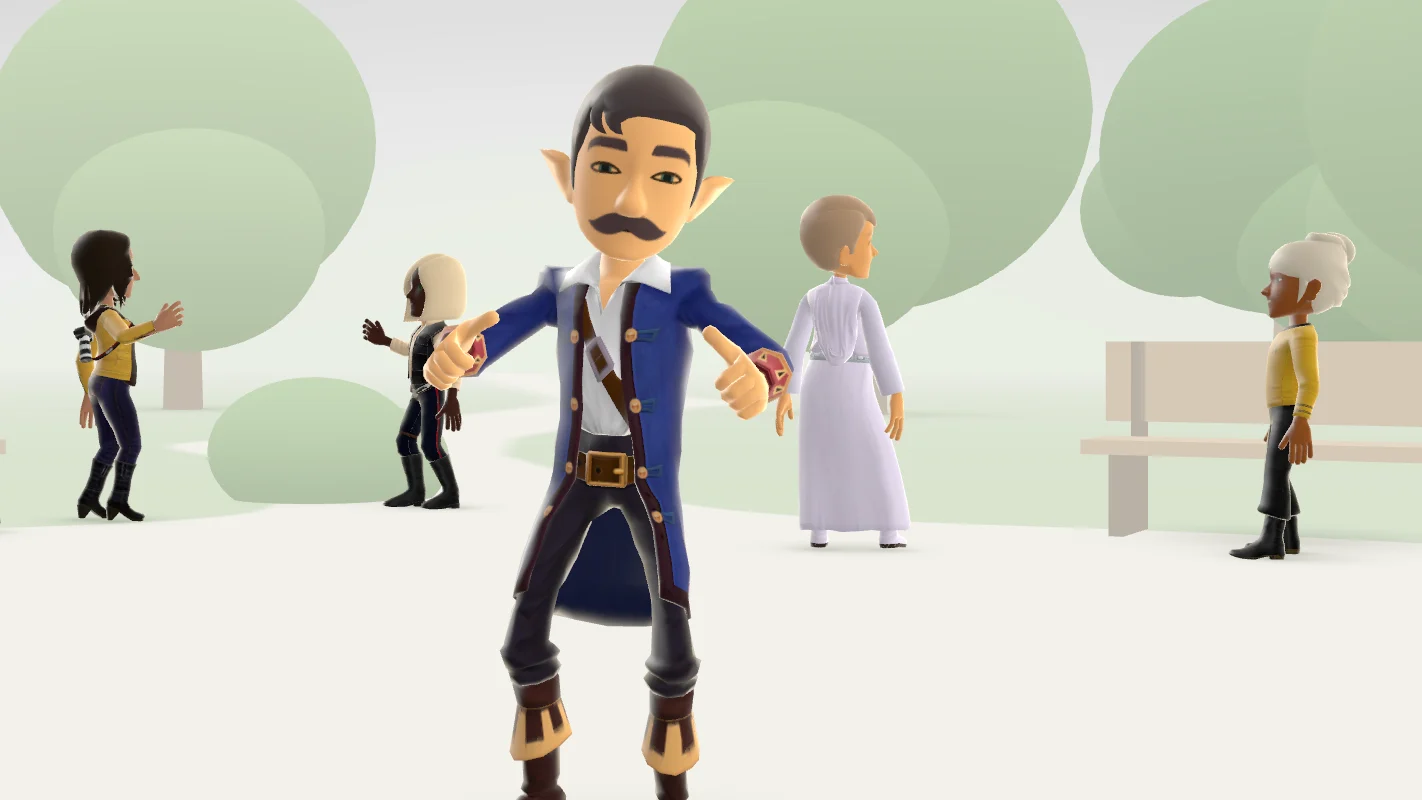
Open it full screen
-
Pick an avatar
It walks up to the stage with its card: edit its look, change its outfit, rename it or make a copy.
-
Edit its look
The SDK's editor opens over the park. Press Done and the avatar walks back to the others in its new look.
-
Make new ones
Start from eight ready looks or a blank body. The new avatar walks in along the path.
Gamepad, mouse, keyboard and touch. Sign in with 360sona to bring your own avatars.
Get the project
Both programs in one zip, from the same design file: the web page in web/ on the web SDK, and the C++ app in templates/plaza-demo/ on the native SDK.
Download 360sona-plaza.zip
360sona-plaza/
  README.md
  web/
  templates/plaza-demo/
  templates/brand/
Build it
Web
- Get a free app id on your app's page and add
http://localhost:8080 to its origins.
- Put the id in the
data-app attribute of the <html> tag in web/index.html.
- Serve the folder and open
http://localhost:8080/.
python -m http.server 8080 --directory web
Native
- Unpack the native SDK in
sdk/ beside the project, and install SDL3.
- Build and run it. The README lists the two fonts it reads and the Windows and macOS lines.
P=360sona-plaza/templates/plaza-demo
c++ -std=c++17 -O2 -I sdk/include -I . \
  $P/main.cpp $P/stb_impl.cpp \
  -L sdk/lib -lsona_editor -lsona \
  $(pkg-config --cflags --libs sdl3) \
  -DSONA_LOBBY_CURL -lcurl -lm \
  -Wl,-rpath,sdk/lib -o plaza_demo
./plaza_demo --catalogue sona-catalogue.bin \
  --licence sona-licence.json
Both programs draw the "Powered by 360sona" badge. Keep it on screen in anything you make from them.