The avatar on an Xbox account, from a gamertag
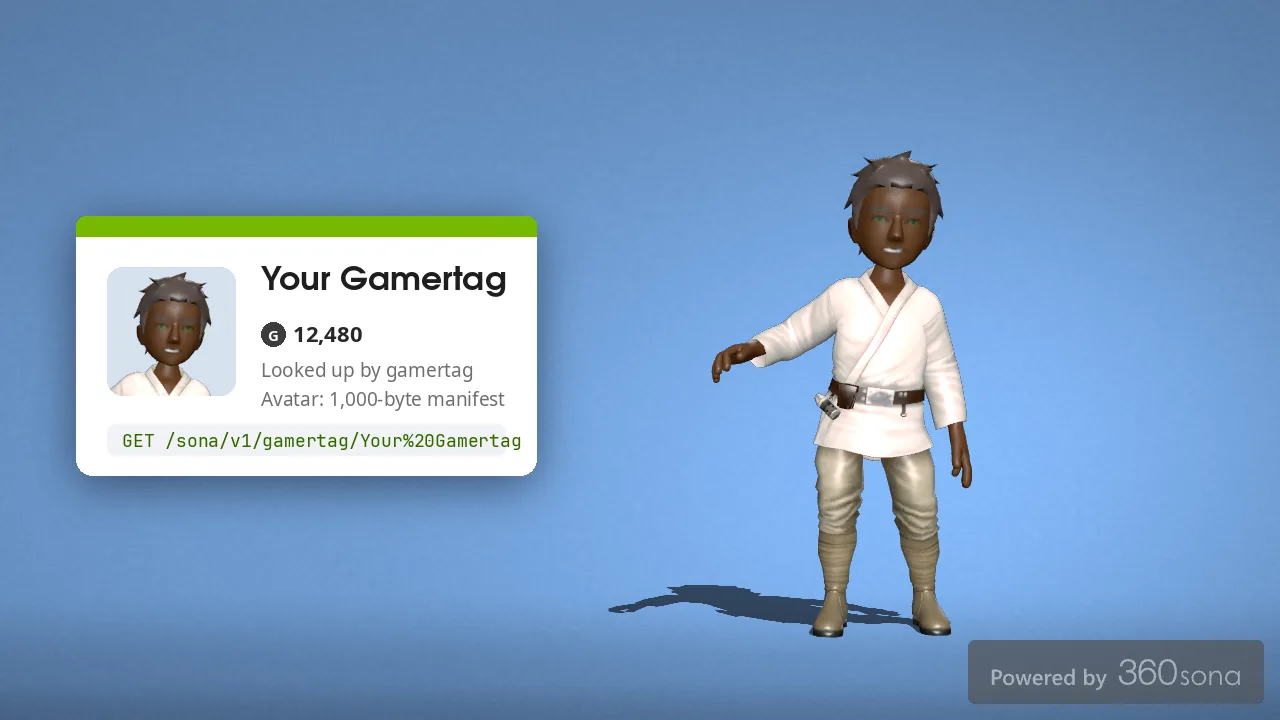
360sona's gamertag lookup, GET /sona/v1/gamertag/{gamertag}, finds the avatar on someone's Xbox account by their
gamertag and returns it as a manifest. Every 360sona SDK draws that manifest.
Steps
- Ask for a free app id.
- Call
GET /sona/.v1/ gamertag/ {gamertag}? client= {app id} - Hand the
manifestit returns to any 360sona SDK to draw the avatar.
The call
It needs a free app id (ask for one). No sign-in, and any origin may call it.
curl -G "https://360sona.com/sona/v1/gamertag/Your%20Gamertag" -d \
    client=YOUR_APP_ID
# {"gamertag":"Your Gamertag","manifest":"<base64, 1000 bytes>"}
Hand the manifest to any SDK: rt.avatar(manifest) in the web runtime, sona_avatar_add_base64 in C,
manifestBase64 on a Unity SonaAvatar, manifest on a Godot SonaAvatar3D.
On a web page
The gamertag lookup answers any origin, so a page can look a gamertag up and draw the avatar with the web SDK:
import { SonaRenderer } from './sona-renderer.js';

const tag = 'Your Gamertag';
const at = 'https://360sona.com/sona/v1/gamertag/';
const r = await fetch(at + encodeURIComponent(tag) + '?client=YOUR_APP_ID');
const { manifest } = await r.json();
const canvas = document.querySelector('canvas');
const sona = await SonaRenderer.create({ canvas });
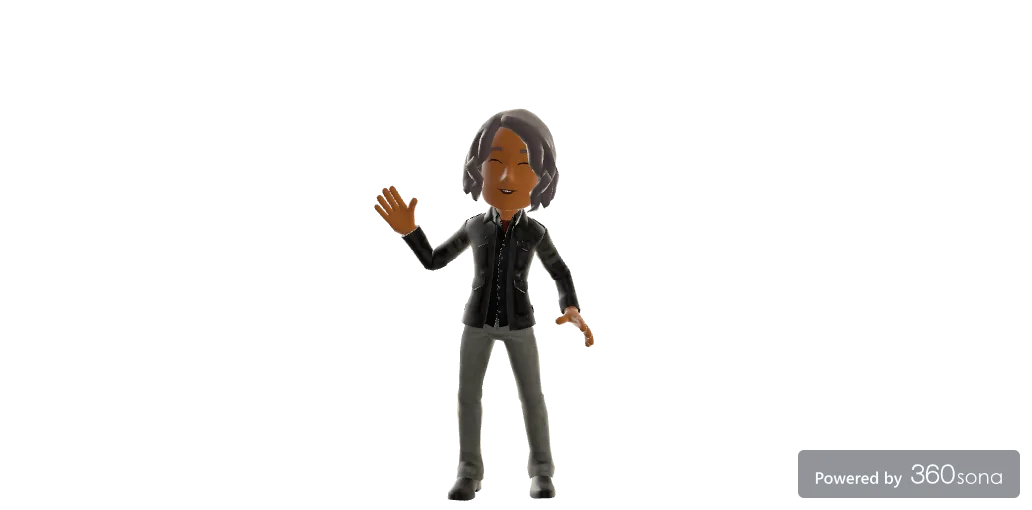
sona.add(manifest, { clip: 'GenericWave' });
Rules
403: the account keeps its avatar private.404: no such gamertag, or it has no avatar.- Answers are cached for ten minutes; cache them on your side too. Do not collect gamertags or avatars in bulk.
- In a game, the native SDK can also fetch other players' avatars by id (guide), and Sign in with 360sona brings a player's own 360sona avatar (how).
- 360sona is not affiliated with or endorsed by Microsoft.
This page as Markdown · All the docs as one file (llms-full.txt)