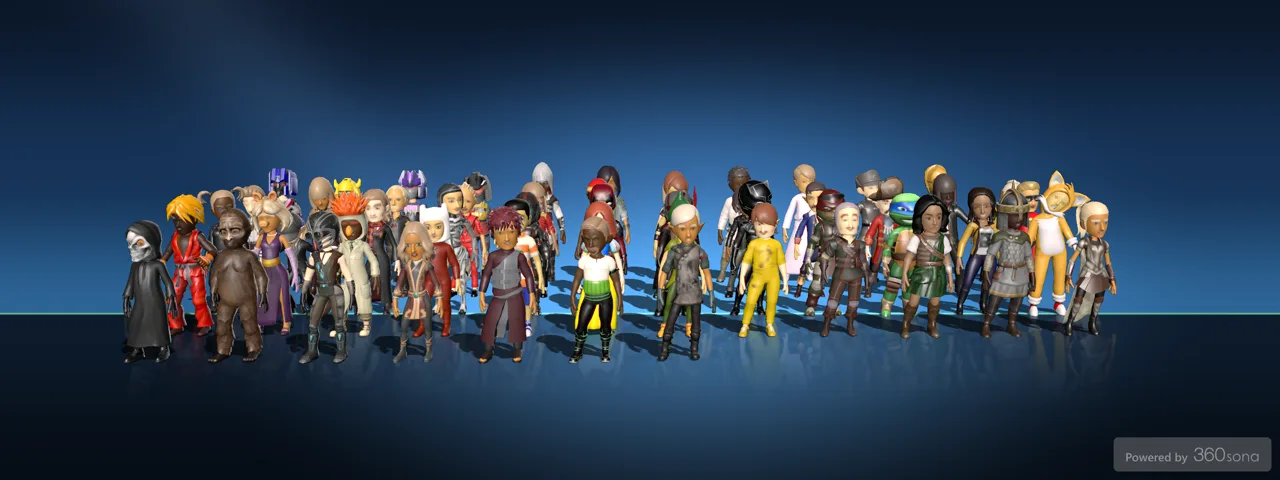
Xbox 360 avatars on a web page
To embed an Xbox 360 avatar on your website, the live avatar runtime needs one script tag and no key. For many avatars in your own canvas, use the Renderer SDK or its three.js, Babylon.js and React packages.
Steps
- For one avatar, paste the runtime's script tag and a box for it into your page; no key is needed.
- For many avatars, get a free app id, register your page's origins and download the Renderer SDK.
- Create a
SonaRendereron your canvas andadd()each avatar from its manifest.
One avatar, no key
<div id="avatar" style="width:320px;height:480px"></div>
<script src="https://360sona.com/sona-runtime.js"></script>
<script>
  const rt = new SonaRuntime(document.getElementById('avatar'));
  rt.ready.then(async () => {
    await rt.starter(1);            // a first avatar: 1 male, 2 female
    await rt.play('GenericWave');   // any key from await rt.clips()
  });
</script>
Many avatars in your own canvas
The Renderer SDK draws avatars into your canvas with WebGPU, or WebGL2 where WebGPU is missing. It needs a free app id and your page's origins (getting it).
import { SonaRenderer } from './sona-renderer.js';

const canvas = document.querySelector('canvas');
const sona = await SonaRenderer.create({ canvas });
const a = sona.add(manifestBase64, { position: [0, 0, 0], turn: 0 });
const b = sona.add(otherManifest,  { position: [1.2, 0, 0], turn: -20,
    clip: 'GenericWave' });
sona.camera.preset('crowd');
await a.ready;
a.play('GenericClap');
More
- The web tutorial, and three.js, Babylon.js and React.
- The player editor as an element,
<sona-avatar-editor>(guide). - Credit: the SDK draws a small "Powered by 360sona" badge.
- 360sona is not affiliated with or endorsed by Microsoft.
This page as Markdown · All the docs as one file (llms-full.txt)