Examples
Every example here is a whole program in the SDK: its picture is what it draws, its code is cut from its source,
and the page after it says how to build and run it. The programs are in your download (samples/, starters/,
templates/) or beside the tutorials.
One avatar, waving
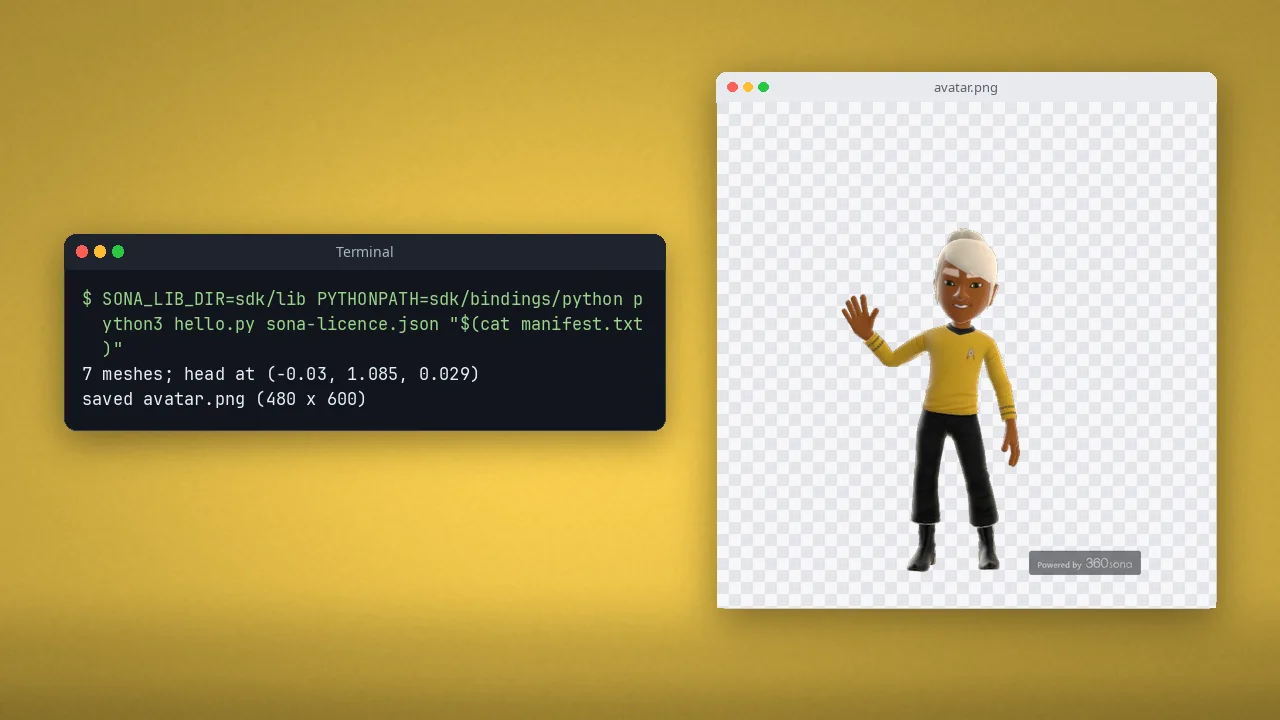
One avatar from its manifest, drawn with no window 1.5 seconds into a wave and saved as a PNG with the credit in it. The same program in each language.
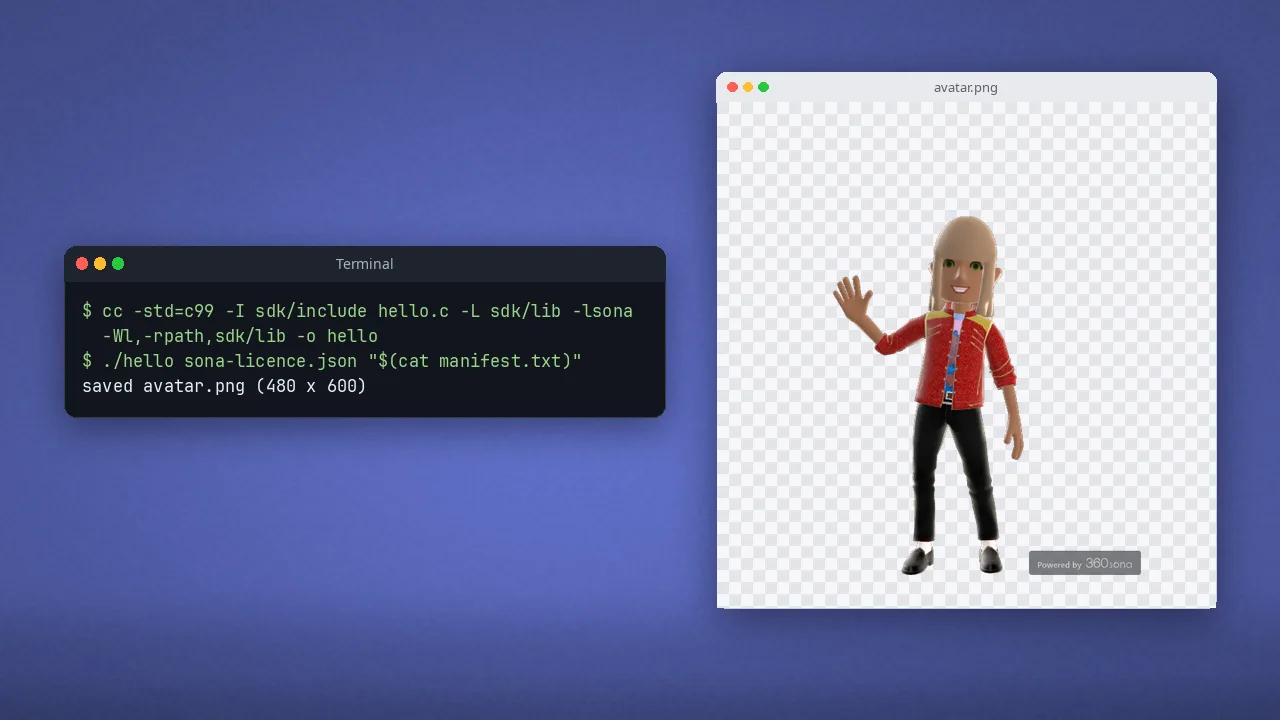
/* An avatar from its manifest. It loads over the next updates. */
r = sona_avatar_add_base64(ctx, argv[2], NULL, &avatar);
if (r != SONA_OK) return fail("sona_avatar_add_base64", ctx, r);

/* No window: one picture, 1.5 s into the wave. */
r = sona_headless_open(ctx, NULL, &h);
if (r != SONA_OK) return fail("sona_headless_open", ctx, r);
sona_render_defaults(&ro);
ro.width = 480;
ro.height = 600;
ro.clip = "GenericWave";
ro.time = 1.5f;
rgba = malloc((size_t)ro.width * ro.height * 4);
r = rgba ? sona_headless_render(h, avatar, &ro, rgba) : SONA_E_MEMORY;
if (r != SONA_OK) return fail("sona_headless_render", ctx, r);
The whole program, hello.c, and how to build it: your first avatar in C.
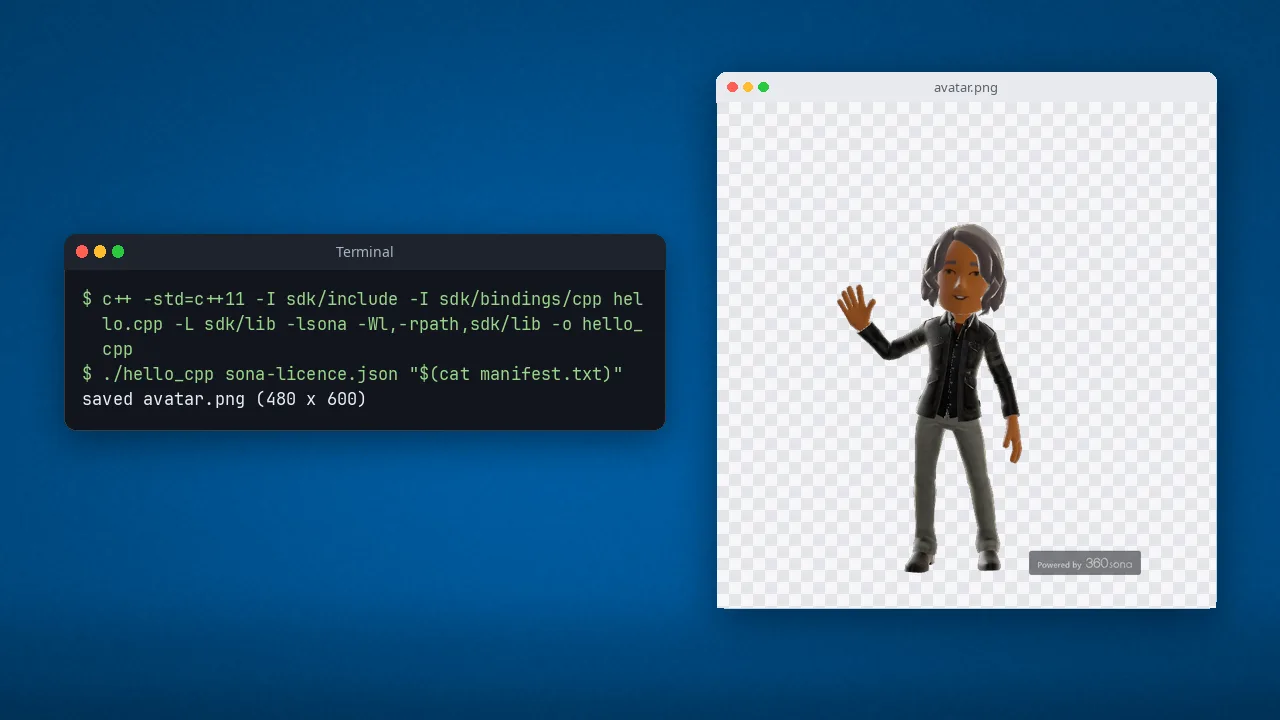
sona::Context ctx(cfg);
sona::Avatar avatar = ctx.add_base64(argv[2]);

// The headless renderer is plain C: sona.hpp hands over the raw handles.
sona_headless *h = 0;
if (sona_headless_open(ctx.raw(), 0, &h) != SONA_OK) { std::fprintf(stderr,
    "no device to draw with\n"); return 1; }
sona_render_options ro;
sona_render_defaults(&ro);
ro.width = 480;
ro.height = 600;
ro.clip = "GenericWave";
ro.time = 1.5f;
The whole program and its build: your first avatar in C++.
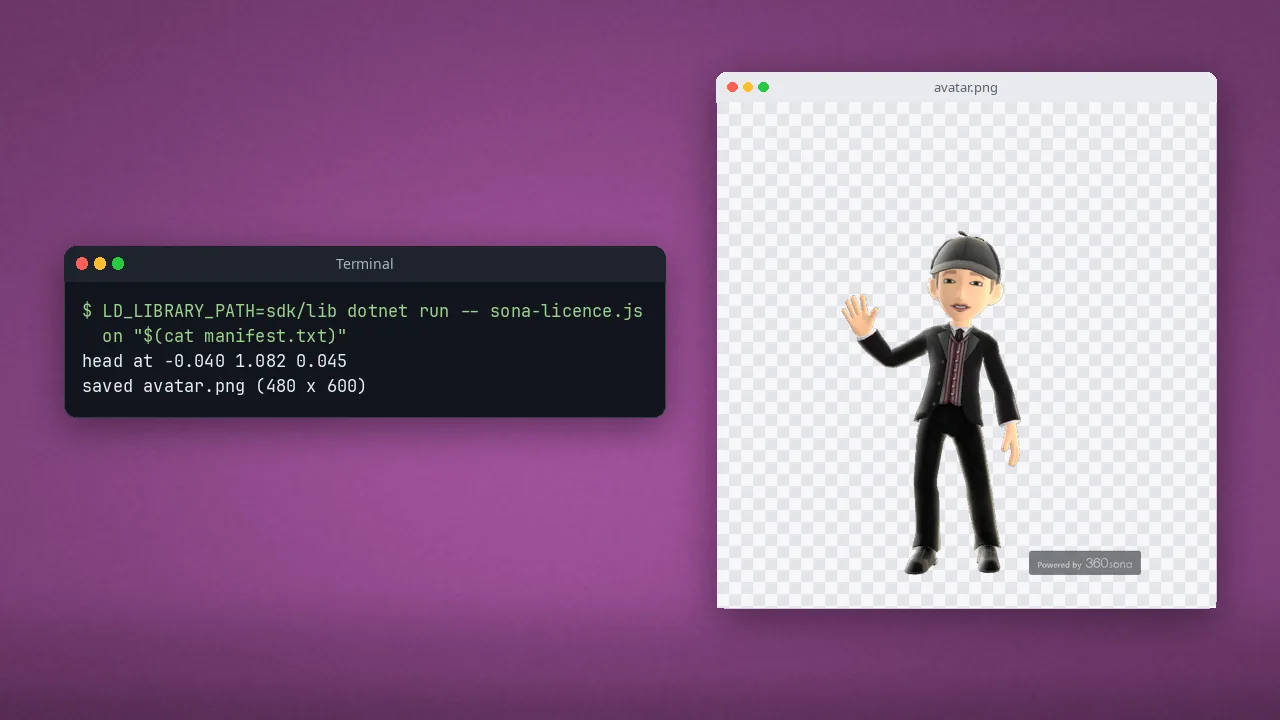
var avatar = ctx.AddBase64(args[1]);
while (avatar.State != SonaAvatarState.Ready &&
    avatar.State != SonaAvatarState.Failed) ctx.Update(1.0 / 60);
if (avatar.State != SonaAvatarState.Ready) { Console.Error.WriteLine("the avatar did not load"); return 1; }

avatar.Play("GenericWave");
for (var i = 0; i < 60; i++) ctx.Update(1.0 / 60);
The whole program and its project: your first avatar in C#.
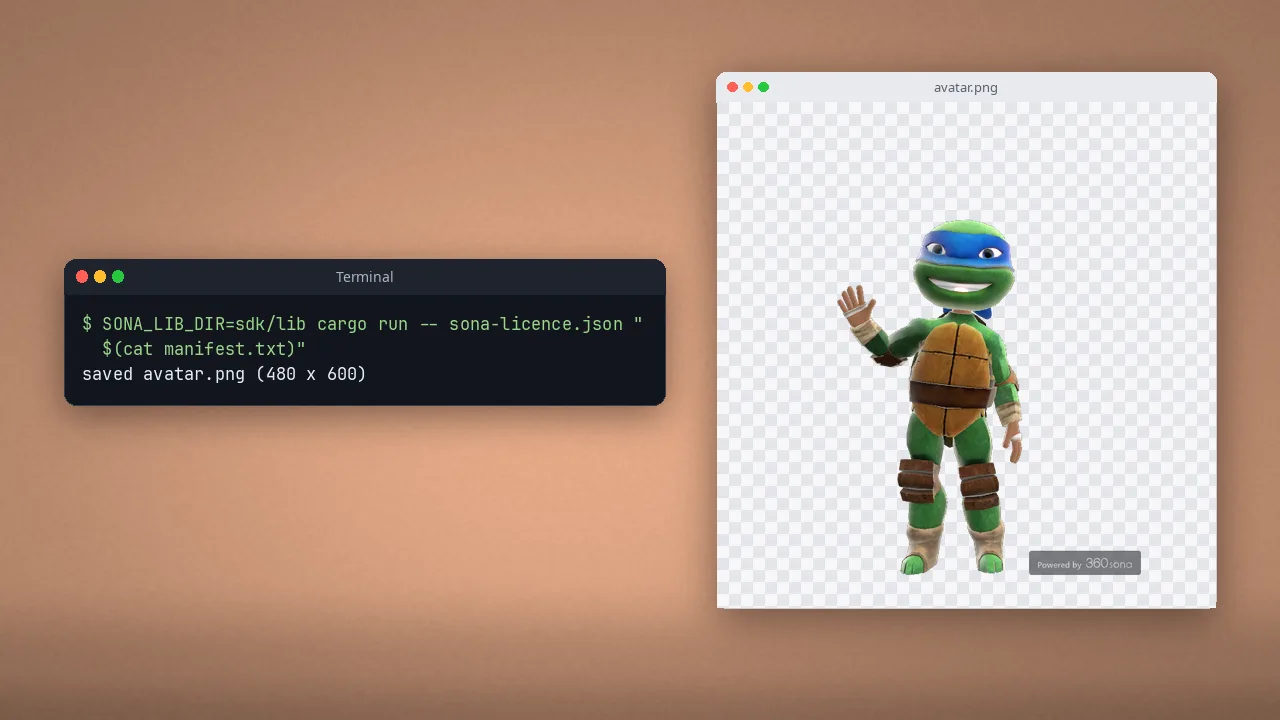
// An avatar from its manifest. It loads over the next updates.
let avatar = ctx.add_base64(&args[1],
    &sona::AddOptions::default()).map_err(|e| e.to_string())?;

// No window: one picture, 1.5 s into the wave.
let h = sona::Headless::open(&ctx,
    &sona::HeadlessOptions::default()).map_err(|e| e.to_string())?;
let mut ro = sona::RenderOptions::default();
ro.width = 480;
ro.height = 600;
ro.clip = Some("GenericWave".into());
ro.time = 1.5;
let rgba = h.render(&avatar, &ro).map_err(|e| e.to_string())?;
The whole program and its Cargo.toml: your first avatar in Rust.
avatar = ctx.add_base64(manifest)
while not avatar.settled:
    ctx.update(1 / 60)
if not avatar.ready:
    sys.exit("the avatar did not load")

avatar.play("GenericWave")
for _ in range(60):
    ctx.update(1 / 60)
The whole program: avatars as data in Python.
In an engine
One avatar from a manifest file, waving, in each engine's own terms: a component on an object.
void Start()
{
    var avatar = new GameObject("Avatar").AddComponent<SonaAvatar>();
    avatar.manifestAsset = manifest;
    avatar.clip = "GenericWave";
}
HelloAvatar.cs is in the package's Components sample: your first avatar in Unity.
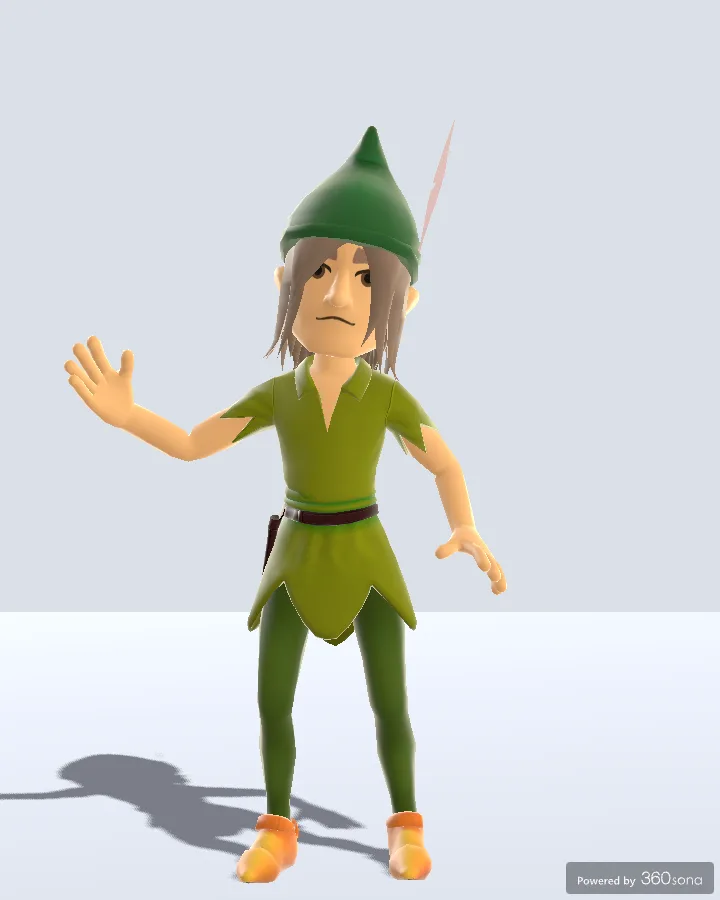
func _ready() -> void:
    var avatar = ClassDB.instantiate("SonaAvatar3D")
    var text = FileAccess.get_file_as_string("res://hello/manifest.txt")
    avatar.manifest = text.strip_edges()
    avatar.clip = "GenericWave"
    add_child(avatar)
    avatar.avatar_ready.connect(func(): avatar.frame_camera($Camera3D))
The addon's demo project, scene hello: your first avatar in Godot.
AHelloAvatar::AHelloAvatar()
{
    Avatar = CreateDefaultSubobject<USonaAvatarComponent>(TEXT("Avatar"));
    RootComponent = Avatar;
    Avatar->Clip = TEXT("GenericWave");
}
AHelloAvatar is in the starter project's module: your first avatar in Unreal.
The plaza
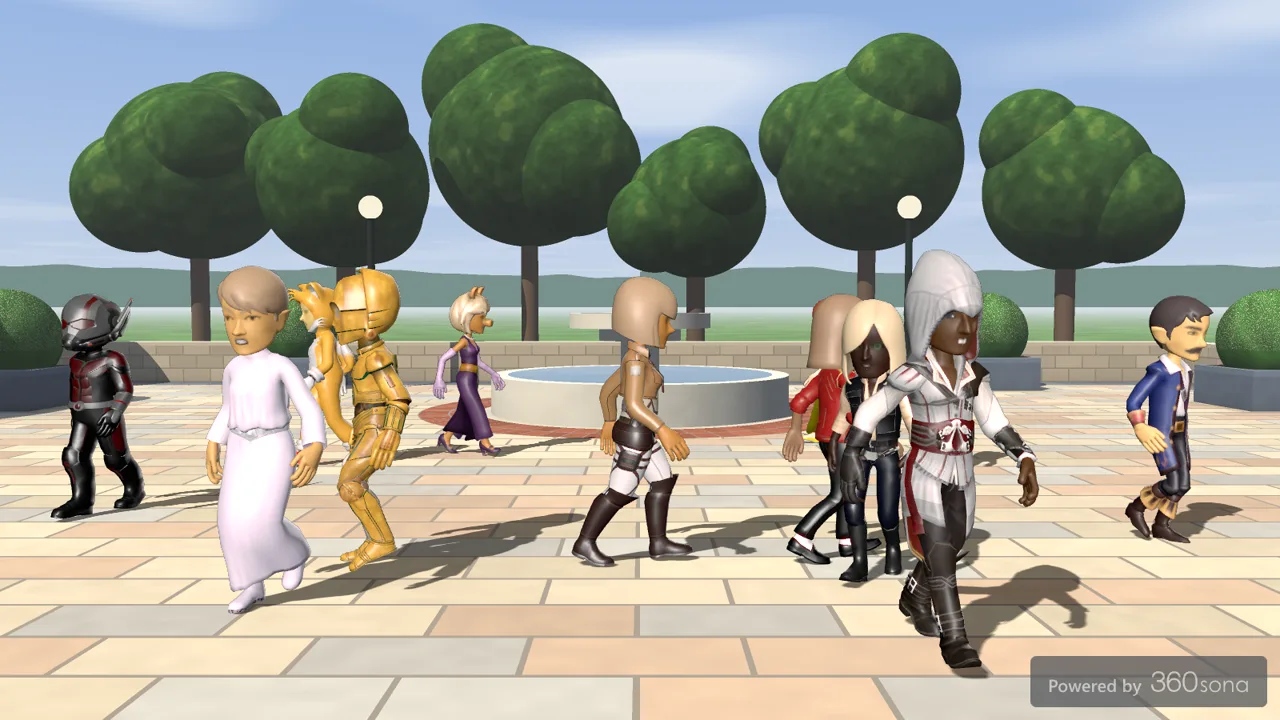
Twelve avatars, every one a different costume, walking loops about a plaza. The same scene is a starter on every platform (C, C++, C#, Rust, Python, the web, Unity, Godot, Unreal and Android), the bare start of a game.
/* all start at once, each a little further into the walk */
for (i = 0; i < (int)count; i++) {
  sona_play_options po = { 1, 1, (float)i * 0.13f };
  sona_avatar_play_stock(walkers[i].a, sona_stock_clip_find("walk_forward"),
                         &po, 0);
}
Each platform's starter and how to run it: the plaza starter.
A crowd on a web page
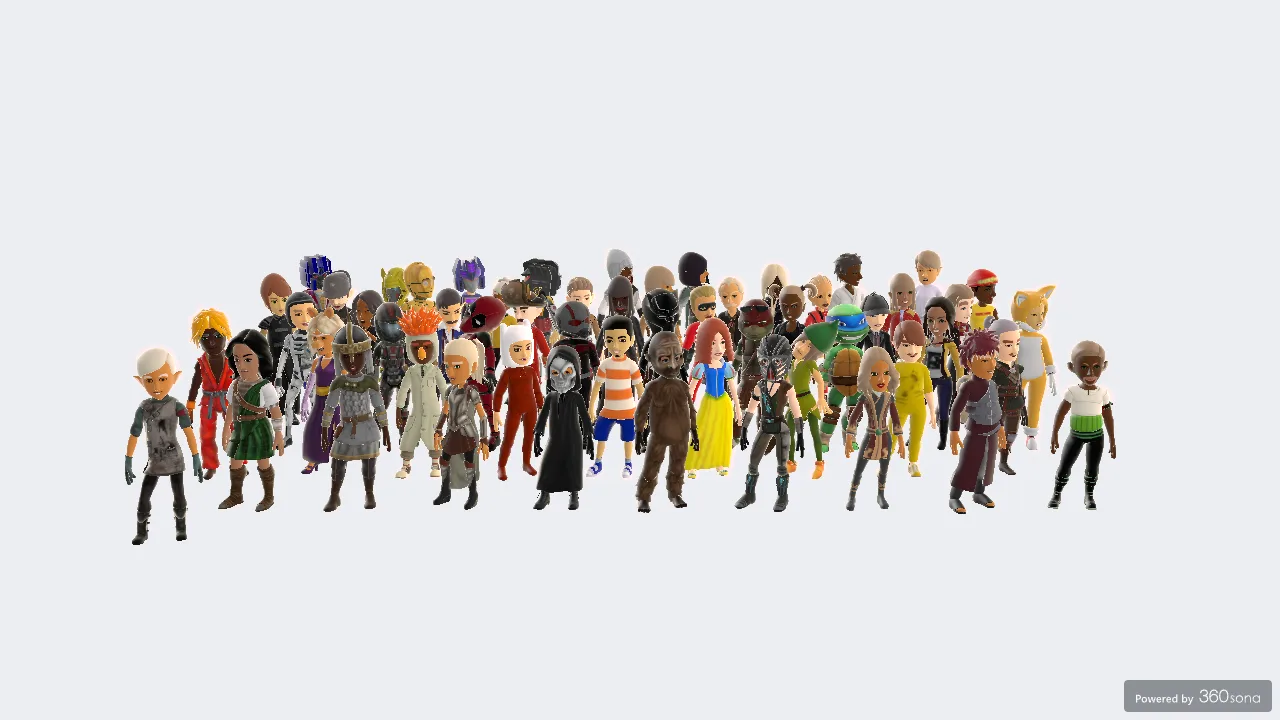
A thousand avatars in one canvas, each in one of 506 costumes on a face, hair and build of its own, standing out of step.
for (const f of crowd) f.avatar = sona.add(f.manifest, { position: f.at,
    turn: f.turn, clip: f.clip, startAt: 'random' });
examples/crowd.html in the web download: the web crowd template.
Templates
Each template is a small game or tool to start from, built with CMake and run as it comes.
Bot and server
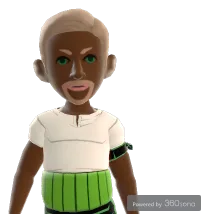
Gamerpics and outfit cards over HTTP, for chat bots and sites: the bot and server template.
Lobby
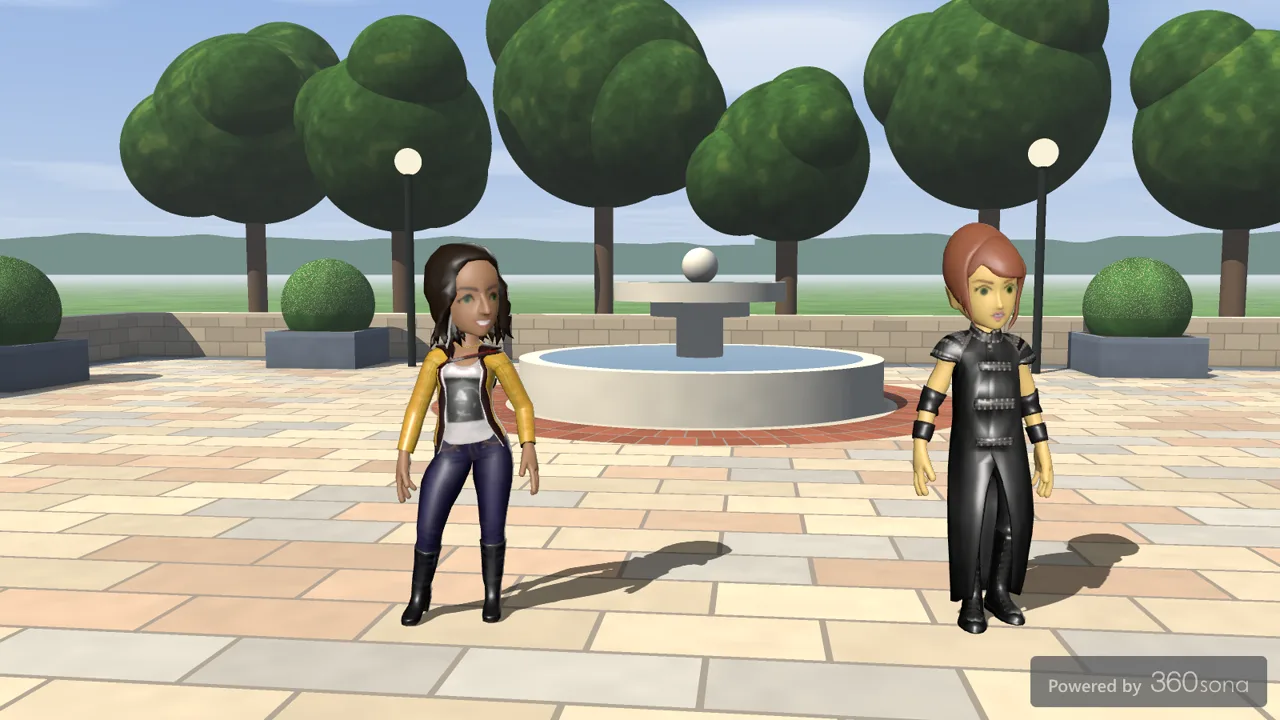
Sign in with 360sona, the gamertag lookup, network sync and emotes with root motion: the lobby template.
VTuber kit
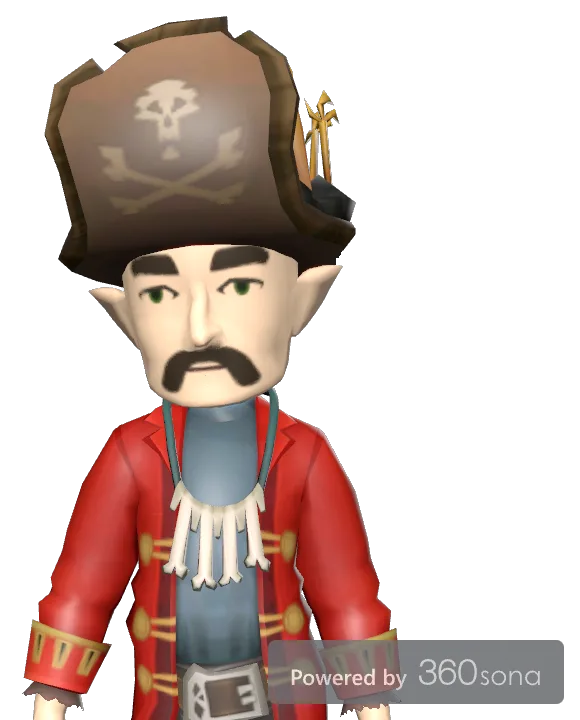
A webcam and a microphone drive the avatar's face, in a transparent window for OBS: the VTuber kit.
VR
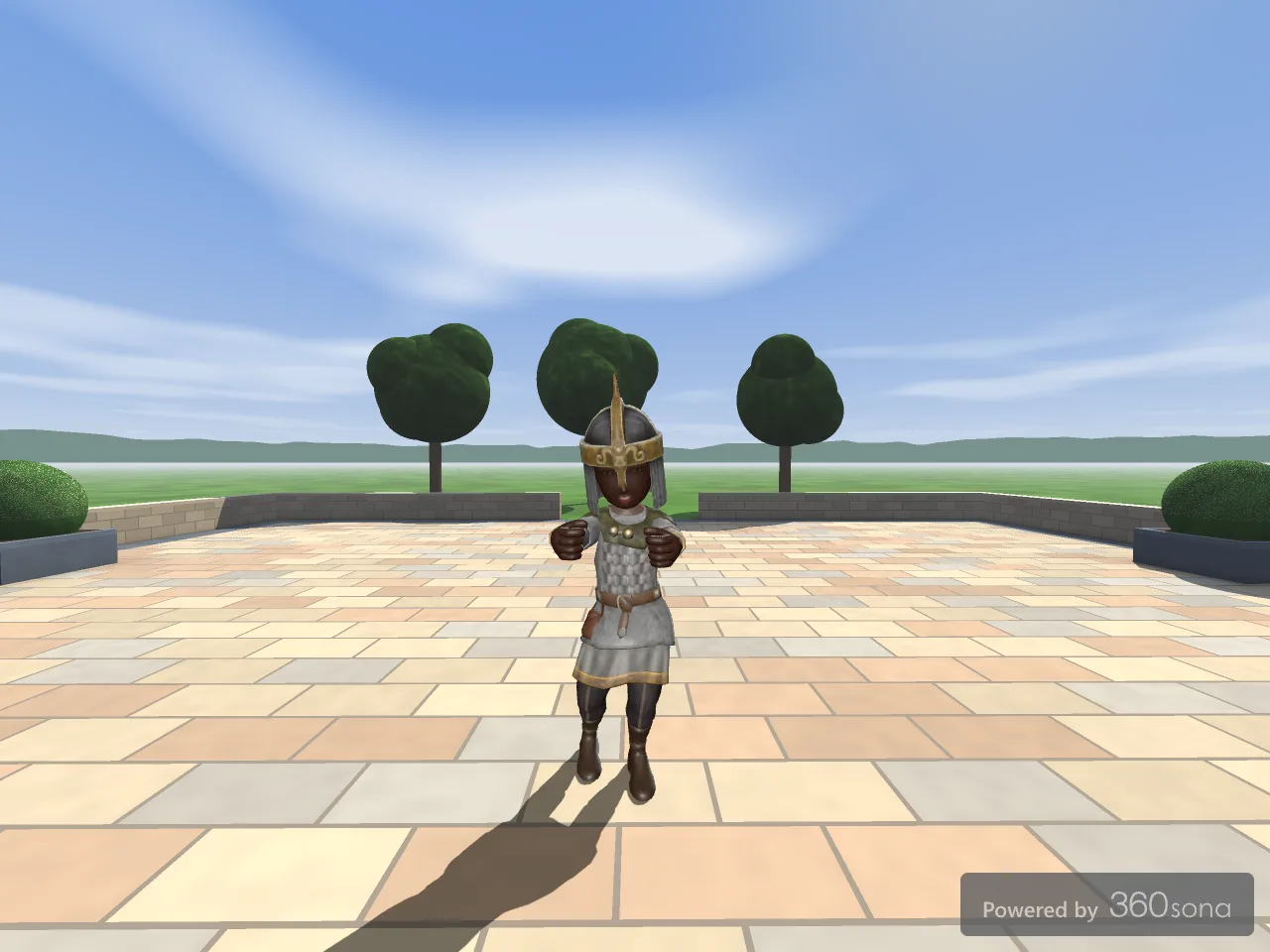
OpenXR, a first-person body, a mirror and other players: the VR template.
C++ starter
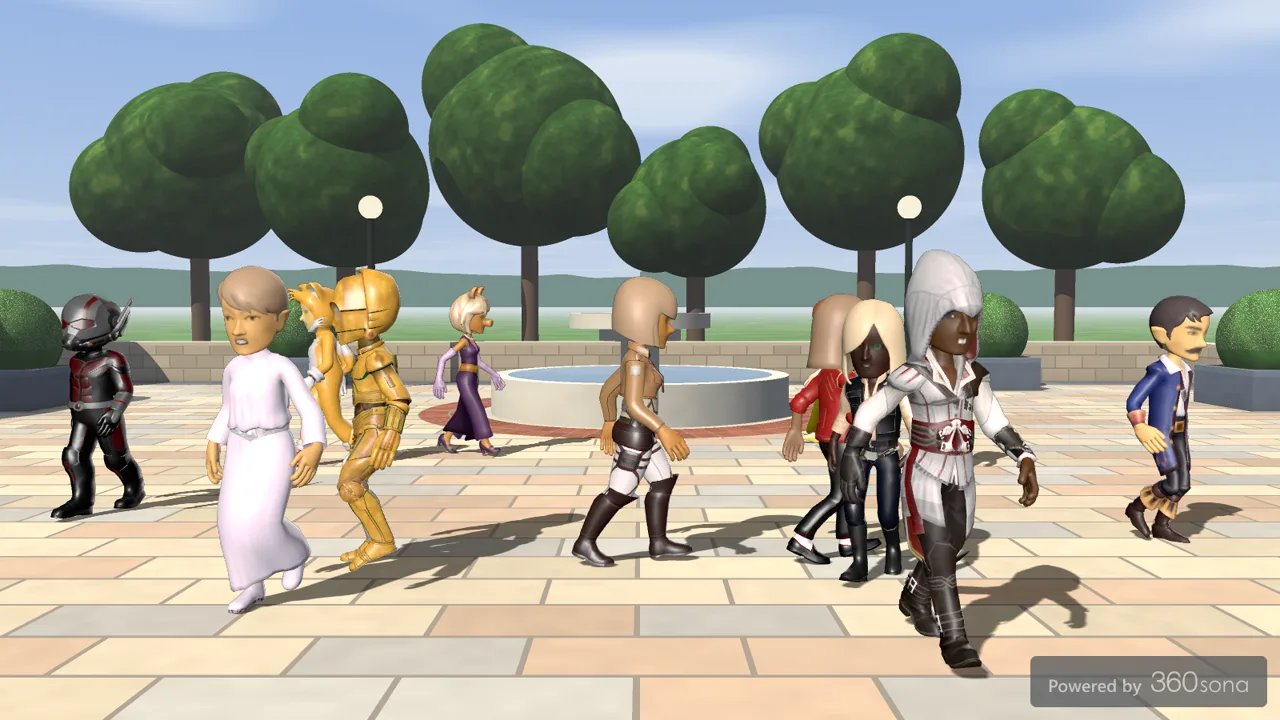
A project made by sona project new: your avatar and eleven others walking about a plaza, in C++: the C++ starter project.
NPC kit
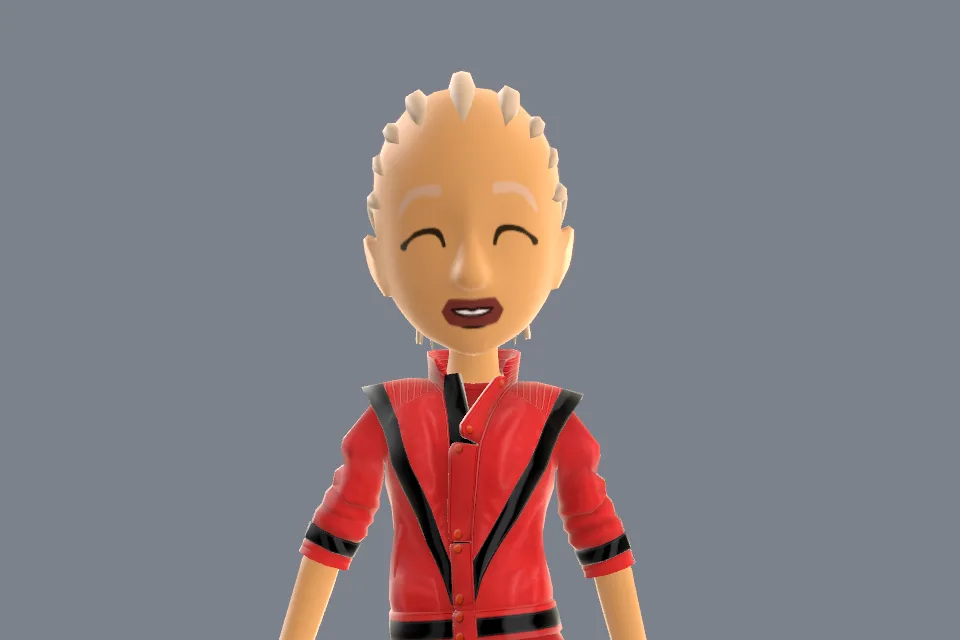
An avatar your game's agent drives: it says a line with lip sync, emotes what the words say and looks at the player: the NPC kit.
Looks and outputs
Art styles
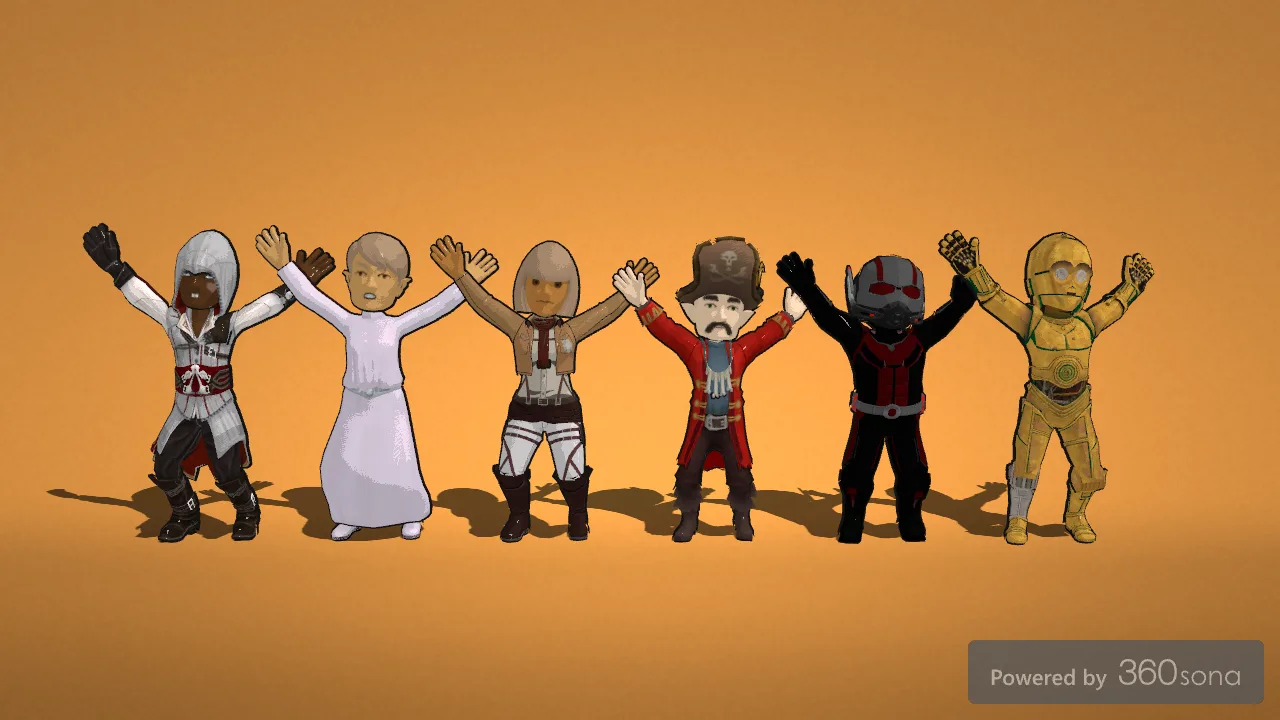
Toon, flat, silhouette and promo looks, each with or without an outline: art styles.
Lights and shadows
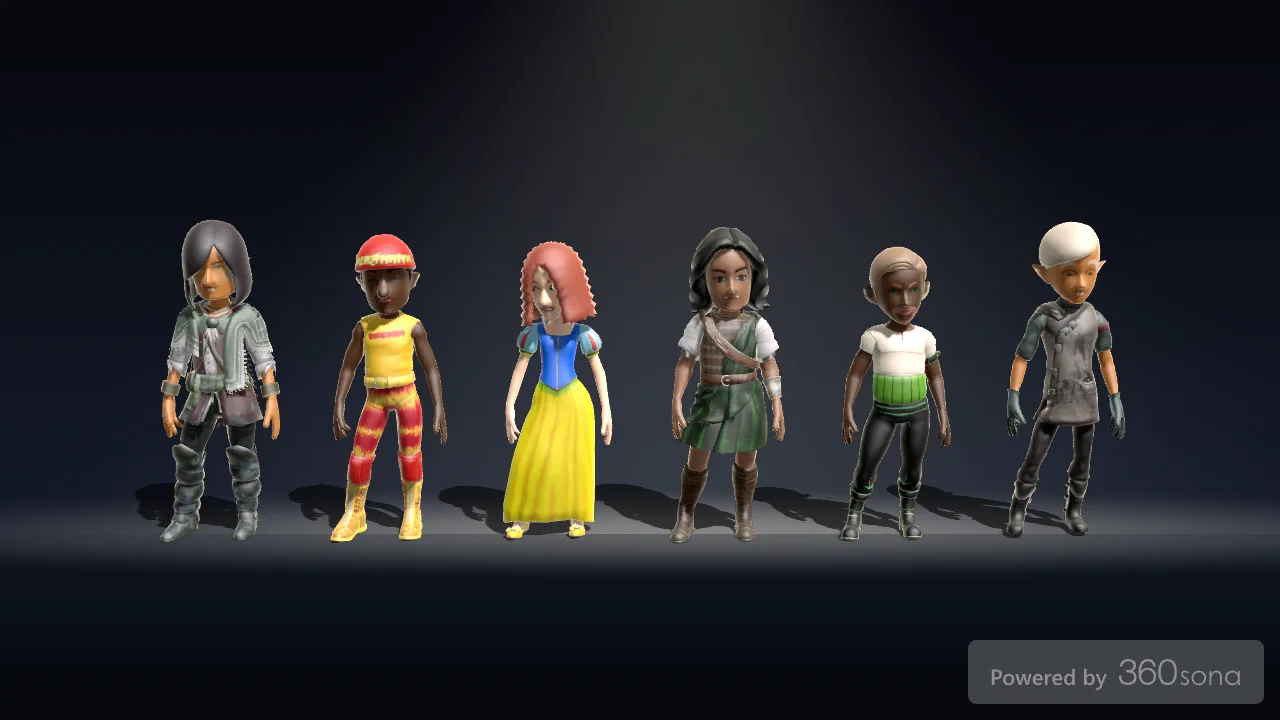
Lights, an environment and shadows, or your engine's own shadow map: lighting.
Two avatars, one moment
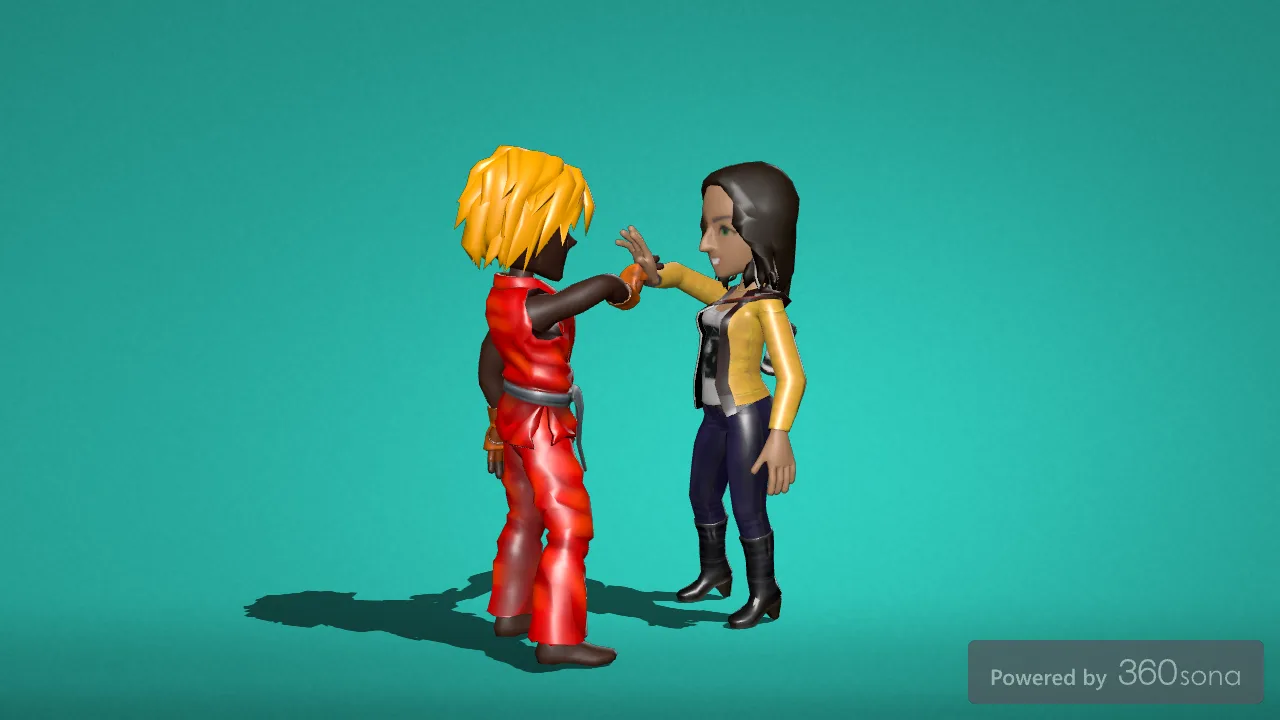
Hand holds, high fives, handshakes, hugs and seats, fitted to both bodies: two-avatar interactions.
A sprite sheet
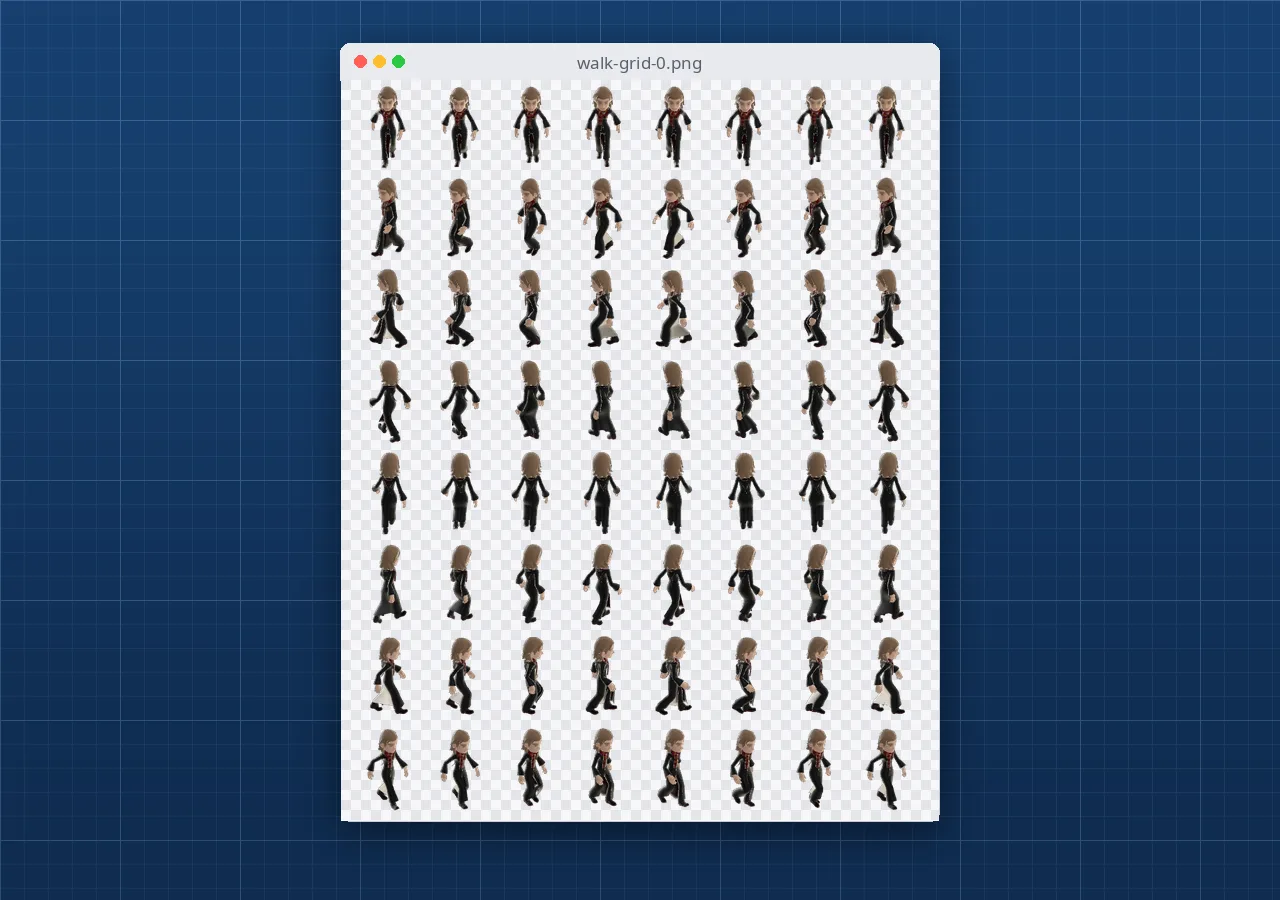
An avatar's clips as frames for a 2D game, with stickers and pixel art: 2D outputs.
A 3D print
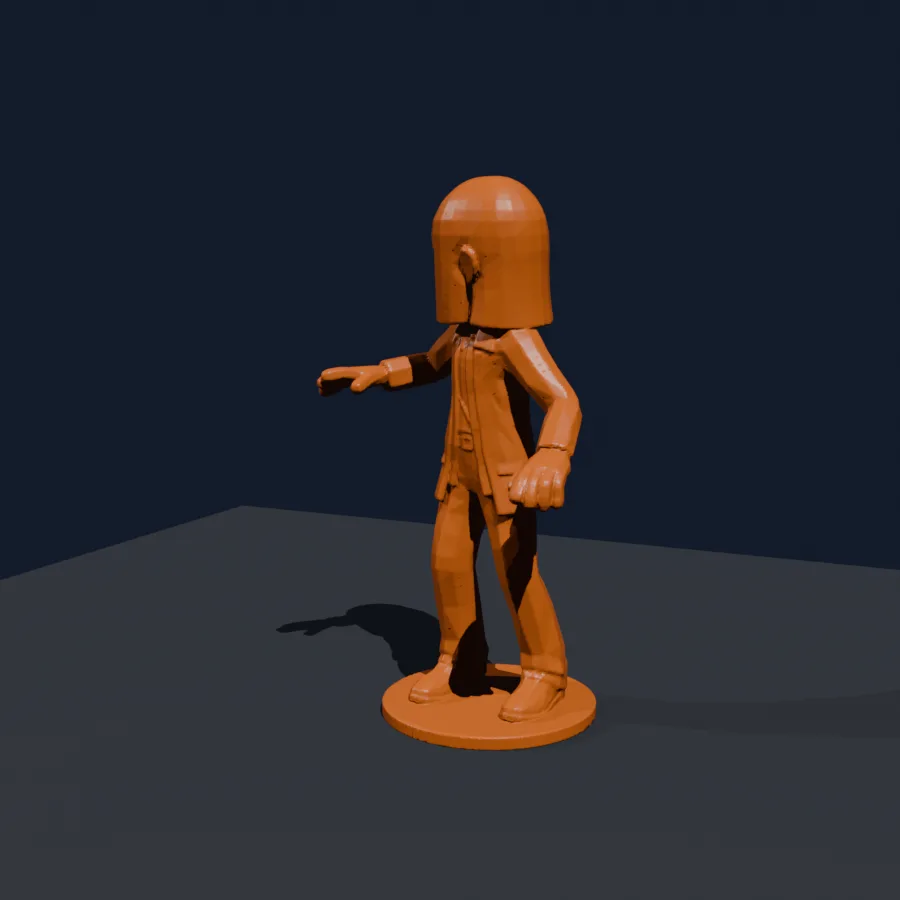
A posed avatar as one watertight solid, STL or 3MF with colour, on the CPU: 3D print.
An avatar in Blender
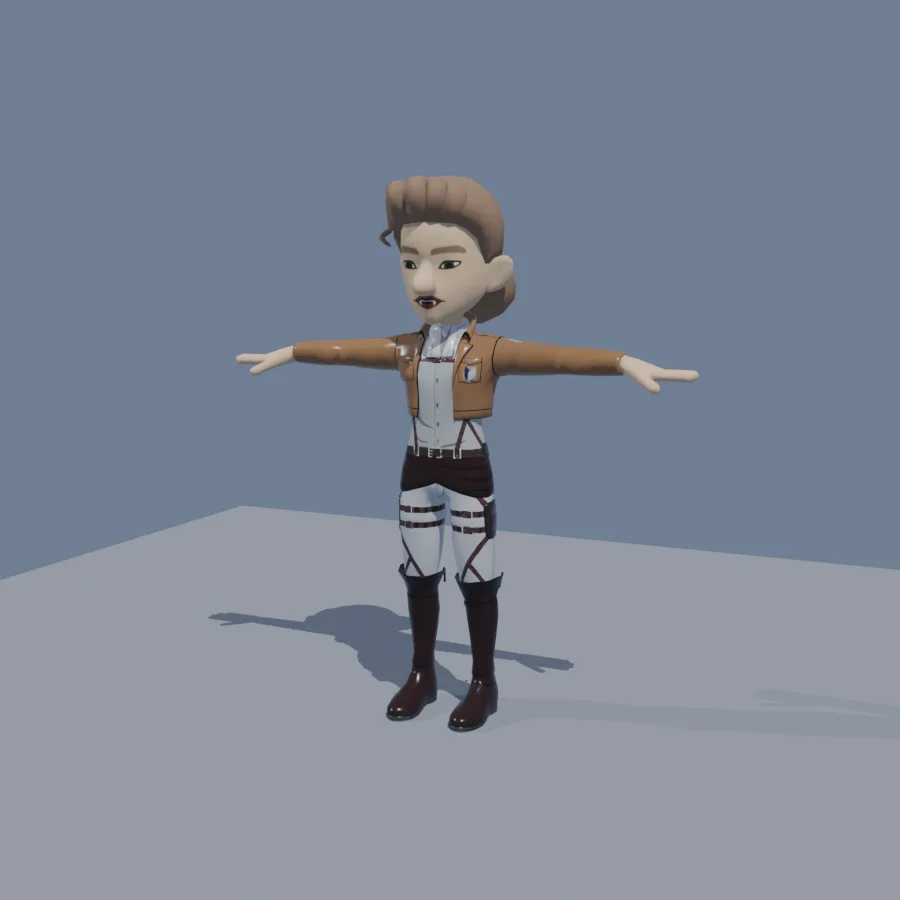
Rigged, with its clips, and exported back: Blender.
Ten thousand avatars
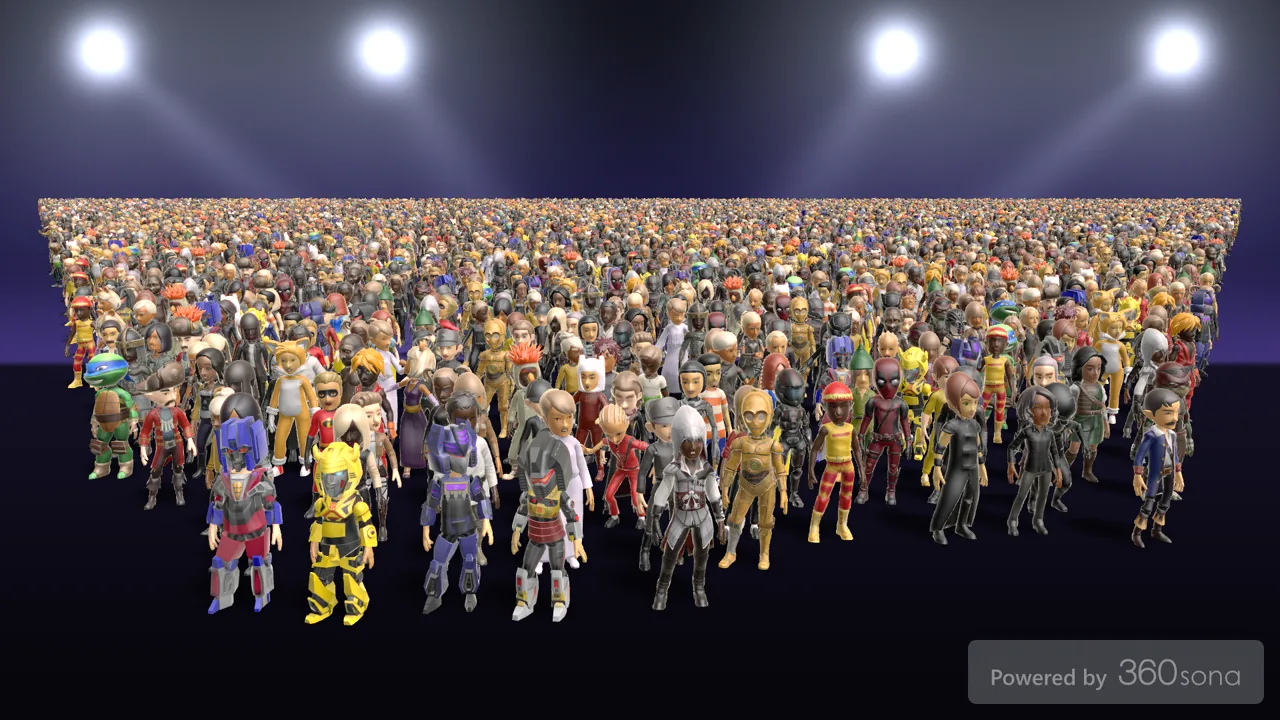
Every one different, with level of detail: crowds.
More, one recipe a game moment: the cookbook.
This page as Markdown · All the docs as one file (llms-full.txt)