Export an Xbox 360 avatar as GLB, VRM or FBX
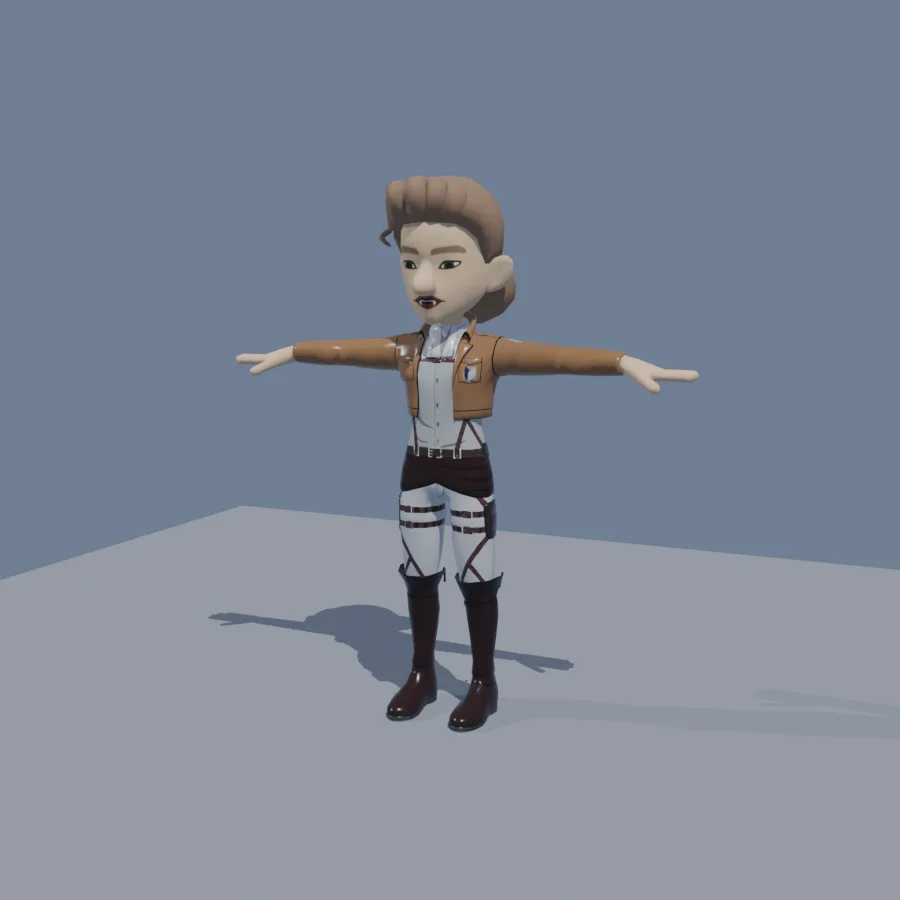
An Xbox 360 avatar exports as a rigged 3D model file: a GLB for Blender and game engines, a VRM for VTubing and
social VR, or an FBX, with its clips. Download one from the web editor, or make one with the web SDK, the native SDK
or the sona command-line tool.
Steps
- Get the avatar's manifest: from the editor, a gamertag lookup or your game.
- Export it with the
sonatool,sona_export_avatar(C and C++;TryExportin C#,exportin Rust and Python), orscene.glb()on the web. - Open the file in Blender, Unity, Unreal, Godot or a VRM app.
From the command line
sona export glb seed:vega --rigged --clips wave,walk_forward -o vega.glb \
    --gate
sona export fbx seed:vega --clips wave -o vega.fbx --gate
From code
The same export in C, C++, C#, Rust and Python (the VRM guide has every option):
sona_export_options o;
sona_export_report rep = { sizeof rep };
uint8_t *file;
size_t len;
/* VRM 1.0, Unity bone names, MToon, most restrictive licence */
sona_export_defaults(&o);
o.name = "My avatar";
o.authors = "Ann";                     /* one per line */
o.licence_url = "https://vrm.dev/licenses/1.0/";
o.avatar_permission = SONA_VRM_EVERYONE;
if (sona_export_avatar(avatar, &o, &file, &len, &rep) == SONA_OK) {
  fwrite(file, 1, len, f);
  sona_free(ctx, file);
}
sona_export_options o;
// VRM 1.0, Unity bone names, MToon, most restrictive licence
sona_export_defaults(&o);
o.name = "My avatar";
o.authors = "Ann";                     // one per line
o.licence_url = "https://vrm.dev/licenses/1.0/";
o.avatar_permission = SONA_VRM_EVERYONE;
sona_export_report rep = { (uint32_t)sizeof rep };
uint8_t *file = nullptr;
size_t len = 0;
if (sona_export_avatar(avatar.raw(), &o, &file, &len, &rep) == SONA_OK) {
  std::ofstream("avatar.vrm",
      std::ios::binary).write(reinterpret_cast<const char *>(file), (std::streamsize)len);
  sona_free(ctx.raw(), file);
}
// VRM 1.0, Unity bone names, MToon, most restrictive licence
var o = new SonaExportOptions
{
    Name = "My avatar",
    Authors = "Ann",                             // one per line
    LicenceUrl = "https://vrm.dev/licenses/1.0/",
    AvatarPermission = SonaVrmPermission.Everyone,
};
if (avatar.TryExport(o, out var file, out var rep))
    File.WriteAllBytes("avatar.vrm", file);
// VRM 1.0, Unity bone names, MToon, most restrictive licence
let o = ExportOptions {
    name: Some("My avatar".into()),
    authors: Some("Ann".into()),                 // one per line
    licence_url: Some("https://vrm.dev/licenses/1.0/".into()),
    avatar_permission: sona_sys::SONA_VRM_EVERYONE,
    ..Default::default()
};
let (file, rep) = avatar.export(&o)?;
std::fs::write("avatar.vrm", file).ok();
# VRM 1.0, Unity bone names, MToon
data, rep = avatar.export(name="My avatar", authors="Ann",
                          licence_url="https://vrm.dev/licenses/1.0/")
with open("avatar.vrm", "wb") as f:
    f.write(data)
On a web page, scene.glb(manifest) in the Renderer SDK and rt.glb() in the live runtime give the same GLB.
What the files hold
- A skinned mesh with Unity humanoid bone names (or VRM, Unreal 4 or Unreal 5 names), so humanoid retargeting works.
- The clips you ask for, as animations you play by name.
- VRM: the expressions (visemes, moods, blinks), look-at and first person, as VRM 1.0 or 0.x (guide).
- The credit, in the file's own metadata. Keep it there.
Exported files carry Microsoft's avatar items: use them for the person whose avatar it is, and do not sell them (what you may ship). 360sona is not affiliated with or endorsed by Microsoft.
This page as Markdown · All the docs as one file (llms-full.txt)