Xbox 360 homebrew
The xbox360 download puts Xbox 360 avatars in your own homebrew: .xex titles made with
xsdk, the MIT homebrew SDK for the console's retail kernel, that run from the
dashboard like any other title. Link libsona.a, include sona_xsdk.h, and the signed-in player is on the TV in their
own avatar in a few calls. Every item streams from 360sona over HTTPS, so your title carries no Microsoft files.
It runs on an RGH or JTAG console with a dashboard that launches unsigned titles (Aurora, FreeStyle Dash or XeXMenu), and in Xenia Canary.
Status: every title below builds with xsdk's own flags (-Wall -Wextra -Werror) and runs in Xenia Canary. None
has been run on a console. If you run one on yours, its log says
what happened; we'd like to see it.
What is in the download
| Path | What it is |
|---|---|
lib/libsona.a |
the library for xsdk: big-endian PowerPC, the Xenos backend, HTTPS (Mbed TLS is inside it) |
include/sona_xsdk.h |
the few calls a title needs: open, the player, a frame, close |
include/sona.h and the rest |
the whole C API, the same as on every platform |
include/xenos/xe.h |
the GPU device the library draws with, over xsdk's GPU calls |
samples/x360/ |
the titles below, with their CMake file |
sona-licence.json |
your app's licence: the titles' build puts it inside each .xex |
lib/xenon/, samples/xell/ |
the same library for libxenon under XeLL |
| Title | Does |
|---|---|
sona-hello |
start here: you, in your own avatar, framed as the dashboard framed it. A waves, the d-pad moves the camera, BACK quits |
sona-walk |
walk and run on the left stick, jump on A, the camera following |
sona-plaza |
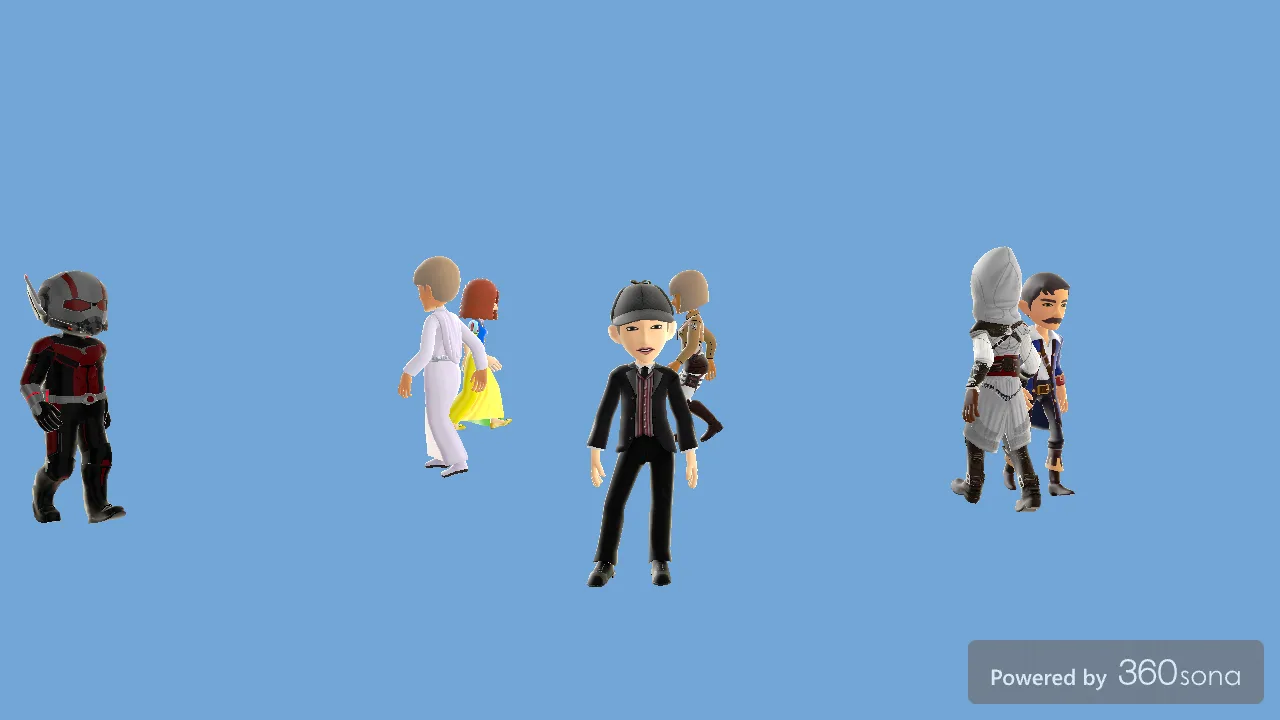
you and six of the cast walking round you, with the whole loop written out (no sona_xsdk.h) |
sona-bench |
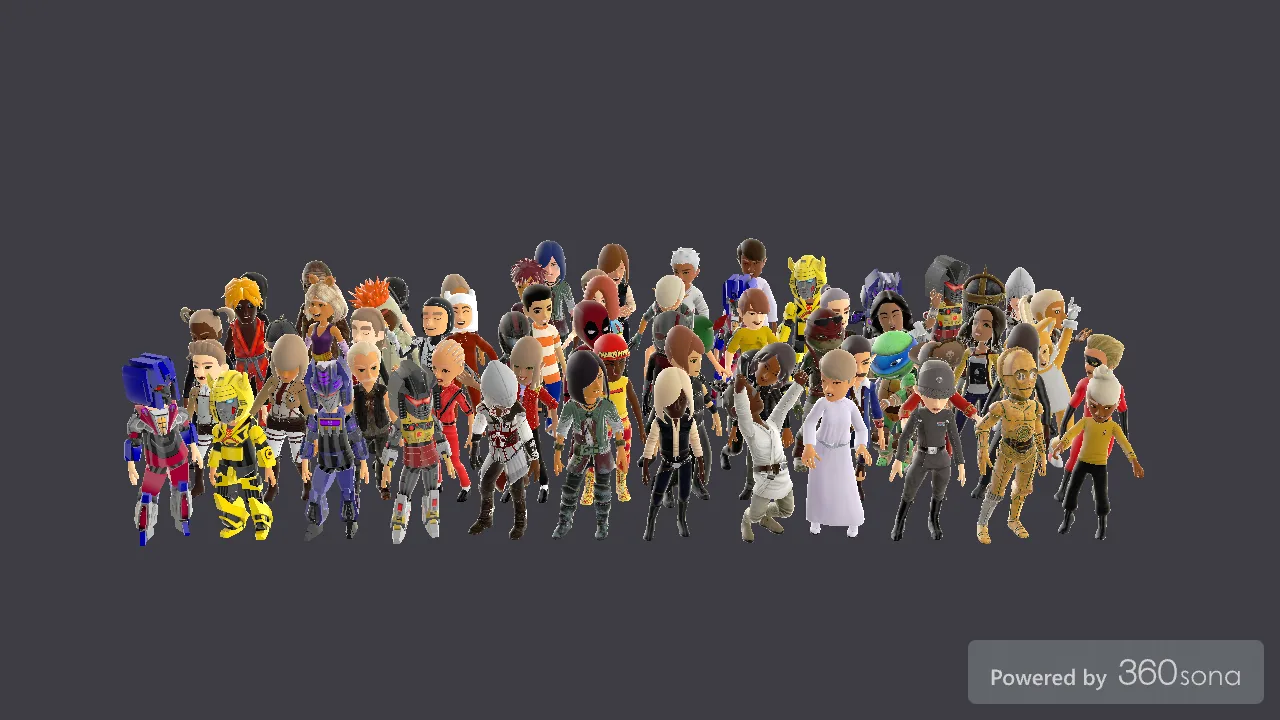
the crowd benchmark: 1 avatar up to 1,000, timed at each step, the times on the TV |
sona-draw |
one avatar, then four, read back to pictures |
sona-core |
the core alone: builds the sample cast and draws nothing |
sona-net |
HTTPS from the console: looks your avatar up by gamertag and logs each step |
Building
You need what xsdk needs: Linux (Debian on its own or in WSL), CMake 3.25 or later and Ninja.
- Build xsdk and its toolchain as its own getting started
says:
tools/toolchain/build.shinstalls GCC at~/xsdk-gcc, thenmakein the xsdk folder buildslibxsdk.a. - Download the SDK for your app with
xbox360as the platform (install), and unzip it. - Build the titles, from the download's folder:
cmake -S samples/x360 -B build -G Ninja \
    -DCMAKE_TOOLCHAIN_FILE=<xsdk>/cmake/xsdk.cmake
cmake --build build
# build/sona-hello.xex, sona-walk.xex, sona-plaza.xex, sona-bench.xex,
# sona-draw.xex, sona-core.xex, sona-net.xex
lib/libsona.a is found beside samples/, and it already holds Mbed TLS: link nothing else for HTTPS. The build
puts the download's sona-licence.json inside every .xex, so a title is one file: nothing has to travel with it.
In a title of your own, built from xsdk's samples/template:
include(<download>/samples/x360/embed-licence.cmake)
target_include_directories(title PRIVATE <download>/include)
target_link_libraries(title PRIVATE <download>/lib/libsona.a m)
sona_embed_licence(title <download>/sona-licence.json)
sona_embed_licence turns the licence into a C file, title-licence.c, and builds it into the title. A Makefile
title makes the same file with cmake -DIN=sona-licence.json -DOUT=licence.c -P embed-licence.cmake, compiles it
with the rest, and links libsona.a before libxsdk.a, with -lm. Without one, the title reads
sona-licence.json from beside the .xex instead.
Your first title
The heart of samples/x360/hello.c, which builds sona-hello:
int main(void) {
  sona_xsdk_config c;
  sona_xsdk *sx;
  sona_avatar *me;
  sona_view view;
  sona_emote wave;
  int shown = 0, shot = SONA_PRESET_FULL;

  sona_xsdk_defaults(&c);
  if (sona_xsdk_open(&c, &sx) != SONA_OK) return 1;
  if (sona_xsdk_add_player(sx, 0, NULL, &me) != SONA_OK) return 1;
  sona_xsdk_view(sx, &view);
  sona_emote_from_text("wave", &wave);

  while (sona_xsdk_frame(sx, &view)) {
    uint16_t pressed = sona_xsdk_pressed(sx);
    if (pressed & INPUT_GAMEPAD_A) sona_avatar_emote(me, &wave, 0.2f);
    if ((pressed & INPUT_GAMEPAD_DPAD_UP) &&
        shot < SONA_PRESET_FACE) shot++;
    if ((pressed & INPUT_GAMEPAD_DPAD_DOWN) &&
        shot > SONA_PRESET_FULL) shot--;
    if (sona_avatar_state_of(me) == SONA_AVATAR_READY) sona_camera_preset(me, (sona_preset)shot, &view);
sona_xsdk_opentakes the licence built into the title (orsona-licence.jsonbeside it) and opens the core with the console's limits in mind: a 160 MB budget, 64 avatars, and five workers, one on each of hardware threads 1 to 5, so thread 0 stays your game's. It opens xsdk's present at 720p and blocks until the renderer is ready.sona_xsdk_add_playerstands the signed-in player in the middle of the stage. It reads the avatar stored in their profile on this console first. If that has none, it looks their gamertag up on 360sona. The neutral figure stands there until the avatar arrives, and the handle you hold stays the same.sona_xsdk_framereads the first controller (nothing while the Guide is open), updates the core, draws, and presents on vblank. It returns 0 when BACK is pressed.
Everything under those is sona.h. sona_xsdk_ctx(sx) is the context for any other call: add more avatars, play
clips, dress them, move them. sona_xsdk_renderer(sx) is the renderer.
Moving
sona-walk (samples/x360/walk.c) is the next step: sona_xsdk_stick gives the left stick, and the stock clips
walk_forward, run_forward and jump (sona_stock_clip_find) play while the avatar moves at each clip's own pace,
1.1 and 3.0 m/s, so its feet don't slide. The core has 100 stock clips, idles, emotes, reactions and dances among them
(sona_stock_clips_tagged), and any of them plays on any avatar.
The log
Every call that fails writes its name and result to the title's log, <title>.log beside the .xex, as xsdk's own
calls do. sona-hello's log in Xenia:
sona_xsdk: 1.1.0
sona_xsdk: off screen (no display here, as in Xenia)
sona_xsdk: open, 5 workers, 160 MB, 1 source
sona_xsdk: nobody signed in; Check Player from sona-player.txt
sona_xsdk: Check Player's avatar arrived from 360sona after 0.1 s: ok
sona-hello: you are on screen after 0.4 s
sona_xsdk: wrote sona-hello.ppm
PASS: your avatar on screen
checks: 1 passed, 0 failed
exit: status 0
Running it on a console
- Copy the
.xexto the hard drive, into a folder of its own,Hdd1:\Apps\MyGame\say, over FTP (Aurora's FTP server) or from a FAT32 USB stick. The licence is inside it; nothing else goes with it. - Connect the console to the network, and check that its clock is right: certificates are checked against it.
- Launch the
.xexfrom Aurora's file browser, or add the folder as a scan path.
Run from the hard drive or a USB stick, not a disc: the log is written beside the .xex.
Running it in Xenia
Xenia Canary runs a .xex on a PC. It's a crash and smoke check, not the console. Start it with
--gpu=vulkan --readback_resolve=full. Three things differ from a console:
- No DNS. Xenia fails every name lookup. Put a file named
hostsbeside the.xexwith lines of<IPv4 address> <name>,104.21.24.153 360sona.comsay (look the address up on your PC). The library connects to that address and still checks the certificate against the name. A console never needs it. - Nobody is signed in. Put a gamertag in
sona-player.txtbeside the.xex, andsona_xsdk_add_playerlooks that one up. - No display.
sona_xsdk_opendraws off screen instead, andsona-hellowrites a picture once you are ready. Logs and pictures land in Xenia'scachefolder, becausegame:\is read-only there.
The player's own avatar
sona_xsdk_add_player(sx, user_index, ...) tries three places, the first that answers wins:
- The profile on this console. XAM keeps each profile's avatar (
XamAvatarGetManifestLocalUser). Nothing goes over the network, and it works for a profile that was never on Xbox Live. Xenia has no profile to read, so this step waits on a console's first run to prove it. - 360sona's lookup, by the profile's gamertag: the avatar on the player's Xbox account.
sona-player.txtbeside the.xex, a gamertag, where nobody is signed in (an emulator).
Up to four players, one per controller. Any other gamertag works through sona_players (other players' avatars by
id): a lobby of gamertags is one sona_players_watch call, paced under the lookup's limits (60 requests
an hour from one address by default).
Memory and speed
The CPU and the GPU share the console's 512 MB with your game. memory_mb caps what the core takes on the CPU side,
and nothing in it allocates past that. The GPU's buffers and textures come on top. sona-bench in Xenia, every
avatar different:
| Avatars | The step's new ones ready in | CPU | GPU | Mean frame in Xenia |
|---|---|---|---|---|
| 64 | 1.6 s | 114 MB | 78 MB | 13.0 ms |
| 128 | 2.4 s | 127 MB | 84 MB | 29.8 ms |
| 256 | 2.7 s | 144 MB | 96 MB | 26.2 ms |
| 512 | 4.3 s | 174 MB | 118 MB | 43.6 ms |
| 1,000 | 8.2 s | 230 MB | 158 MB | 87.6 ms |
Those frame times are an emulator's on a PC, so take them as an upper bound. Only a console can say how fast a title
really is, and sona-bench writes its numbers to sona-bench.csv beside it. Past a few hundred avatars, each
avatar's biggest part is its face.
When something goes wrong
The title's log, <title>.log beside the .xex (Xenia's cache folder in Xenia), names the call that failed.
| The log says | What to do |
|---|---|
no licence: build it into the title |
The title was built without sona_embed_licence and has no sona-licence.json beside it: build it in (the samples' CMake does), or copy the file beside the .xex. |
sona_open: licence (0x...) |
The licence is for another app, or this build's app id differs: download the SDK for this app again. |
sona: ... certificate or a TLS failure |
The console's clock is wrong (certificates are checked against it), or something on the network rewrites HTTPS. Set the clock in the dashboard. |
| every name lookup fails (Xenia) | Xenia has no DNS: add the hosts file beside the .xex, as in Running it in Xenia. |
nobody signed in at 0: the neutral figure |
Sign a profile in before you launch, or (in Xenia) put a gamertag in sona-player.txt. |
no avatar in the profile here (0x...), asking 360sona |
The profile has no avatar on this console; the title falls back to the gamertag lookup, which needs the network. |
no avatar for <gamertag> (event 2, ...) |
That account keeps its avatar private, or has none: the neutral figure stays. |
avatars fail with memory (SONA_E_MEMORY in their SONA_EVENT_FAILED) |
Raise memory_mb, or show fewer avatars. 1,000 take about 230 MB on the CPU side and 160 MB on the GPU. |
the log stops before exit: status |
A hang or a crash. In Xenia, never pass --async_shader_compilation=false: that build stalls. On a console, send us the log. |
nothing is written beside the .xex |
The folder is read-only (a disc, or game:\ in Xenia): run from the hard drive or a USB stick. |
Limits
- HTTPS is TLS 1.2. 360sona's servers speak it, as do most.
- Xenos draws no crowd sprites: every avatar is a mesh. The crowd level of detail still poses distant ones less often.
- No anti-aliasing and no bloom on Xenos. Styles, outlines and the credit draw as on the desktop.
- The items stream from 360sona, so a title needs the network the first time it shows an item. A
360sona/folder beside the.xex, laid out as the gate serves items, is read first, for a title that has to work offline. - The library draws a small "Powered by 360sona" badge in a corner. If you turn it off, credit 360sona in your credits or about screen.
This page as Markdown · All the docs as one file (llms-full.txt)