Tutorial: avatars on a web page
One live avatar on a page with no key, then several in your own canvas with the Renderer SDK.
The code of "3. Draw avatars in your canvas", running here as written, with Senator Leia Organa Outfit as manifestBase64 and Han Solo Smuggler Outfit as otherManifest.
1. One avatar, no key
The live avatar runtime is an iframe driven by a small script. Paste this into any page:
<div id="avatar" style="width:320px;height:480px"></div>
<script src="https://360sona.com/sona-runtime.js"></script>
<script>
  const rt = new SonaRuntime(document.getElementById('avatar'));
  rt.ready.then(async () => {
    await rt.starter(1);            // a first avatar: 1 male, 2 female
    await rt.play('GenericWave');   // any key from await rt.clips()
  });
</script>
rt.avatar(manifest) shows any avatar, and rt.glb() gives it as a model.
2. Get the Renderer SDK
For many avatars in your own canvas you need the SDK: a free app id, your page's origins, and the download
(getting it). The zip holds sona-renderer.js, its types and working examples.
3. Draw avatars in your canvas
import { SonaRenderer } from './sona-renderer.js';

const canvas = document.querySelector('canvas');
const sona = await SonaRenderer.create({ canvas });
const a = sona.add(manifestBase64, { position: [0, 0, 0], turn: 0 });
const b = sona.add(otherManifest,  { position: [1.2, 0, 0], turn: -20,
    clip: 'GenericWave' });
sona.camera.preset('crowd');
await a.ready;
a.play('GenericClap');
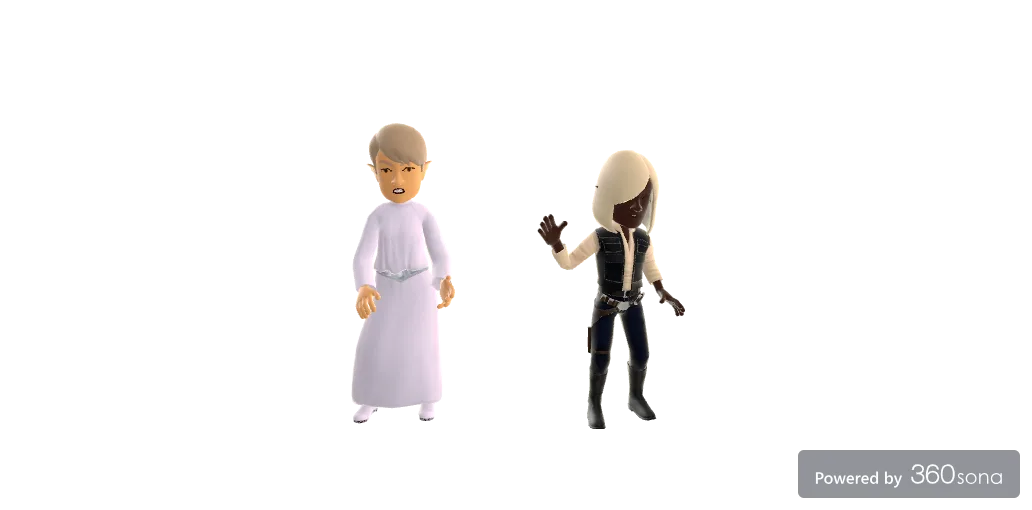
add() returns at once; the avatar appears when it is ready. With loop: 'manual' avatars build only inside
frame(): draw frames until they are ready, or await sona.settle() (it draws them, and rejects with not_ready
after seconds, default 120). Serve the page over https, or http://localhost while you develop.
The SDK talks to one host, https://360sona.com unless create names another: the origin check, the asset
bridge (a hidden frame) and the CSP lines in the zip's README all use it. host points a page at another 360sona
service, such as one of your own for tests:
const sona = await SonaRenderer.create({ canvas,
    host: 'http://127.0.0.1:18991' });
To check a page with no person and no GPU, open it in headless Chromium with a software WebGL2:
chromium --headless=new --enable-unsafe-swiftshader --remote-debugging-port=, then take the picture with
await sona.snapshot() (a PNG Blob) or a page screenshot over the DevTools protocol (Playwright and Puppeteer start
it the same way). Reading the WebGL2 canvas back with drawImage or getImageData gives a blank picture, because the
canvas is cleared after each frame is shown.
A page of many avatars, drawn by the Renderer SDK:
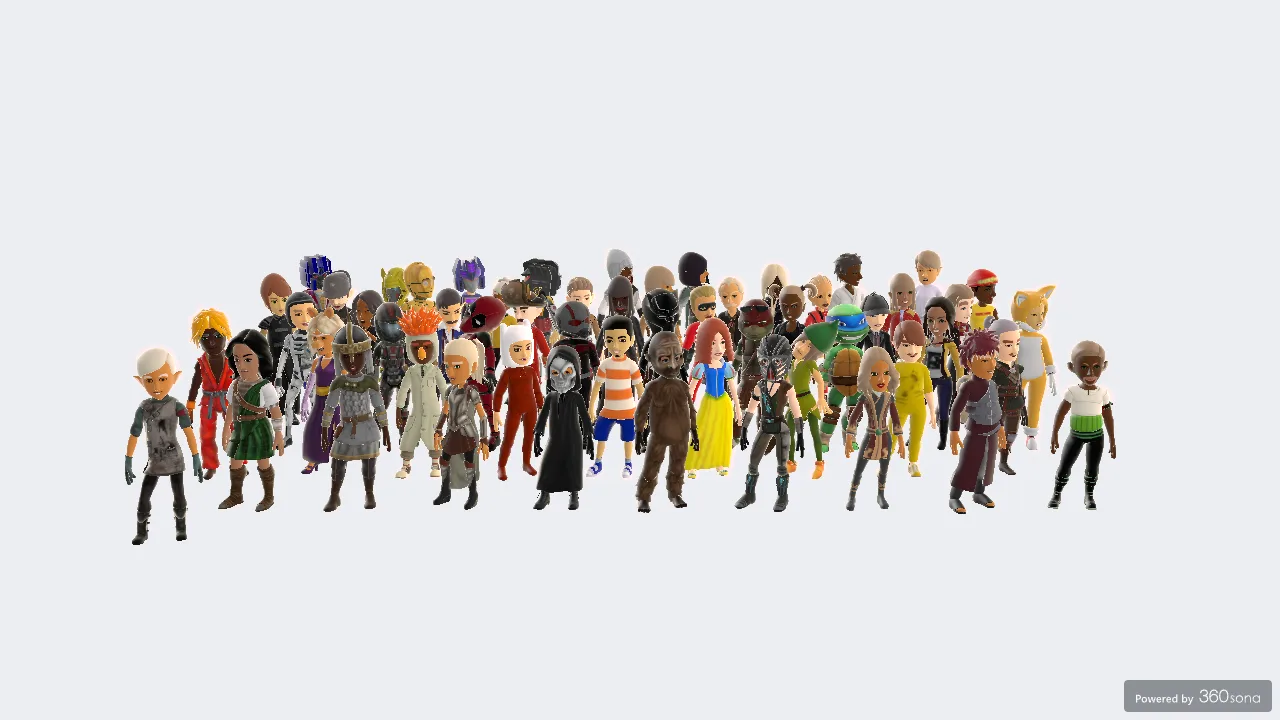
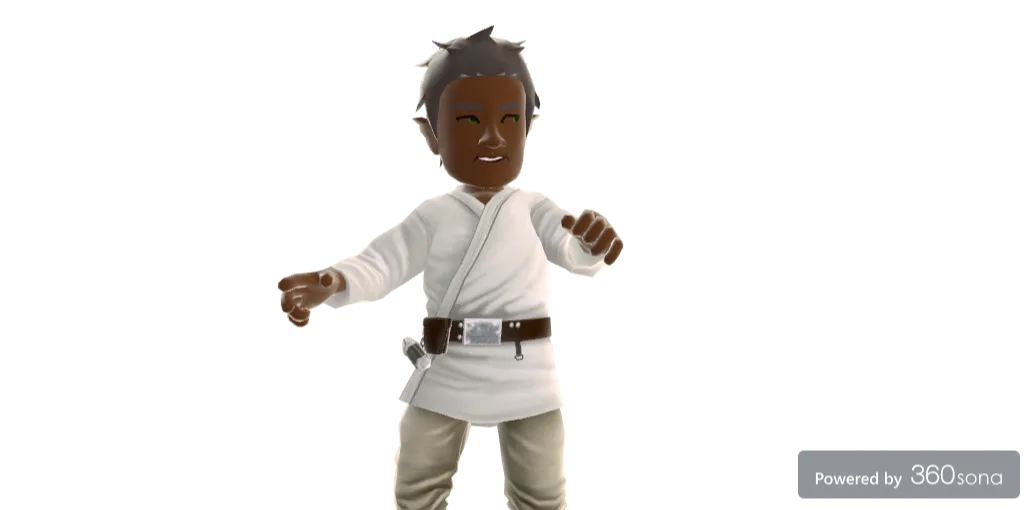
The camera has the console's framings as presets. preset() takes 'full', 'upper', 'bust', 'face' or
'crowd' and the avatar to frame; over eases there in seconds:
import { SonaRenderer } from './sona-renderer.js';

const canvas = document.querySelector('canvas');
const sona = await SonaRenderer.create({ canvas });
const avatar = sona.add(manifestBase64, { clip: 'GenericStand5' });
await avatar.ready;
for (const framing of ['full', 'upper', 'bust', 'face']) {
  sona.camera.preset(framing, avatar, { over: 0.6 });
  await new Promise((done) => setTimeout(done, 2000));
}
4. In three.js, Babylon.js or React
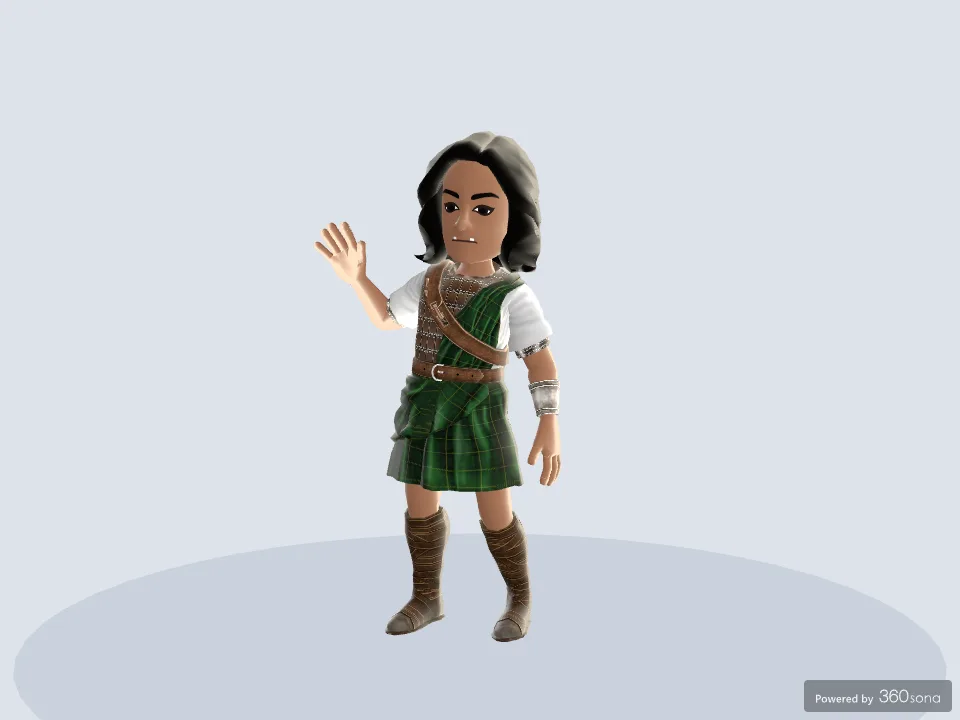
The packages @360sona/three, @360sona/babylon and @360sona/react put the same avatars in those libraries
(guide). In three.js:
Next
- The player editor as an element:
<sona-avatar-editor>. - WebGPU and WebGL2: guide.
- Credit: the SDK draws a small "Powered by 360sona" badge; with
credit: false, put the line in your credits or about page.
This page as Markdown · All the docs as one file (llms-full.txt)