Blender add-on
The Blender add-on (Blender 4.2 or later, tested on 4.5) imports an Xbox 360 avatar from a 360sona manifest, rigged and with its clips, and exports it back. It runs the native core through the Python binding, so what Blender gets is what every other SDK host gets.
Credit: "Powered by 360sona" where your work uses these avatars.
What it does
Import (File > Import > 360sona Avatar):
- The core loads the avatar (from 360sona.com, a folder of item files you own, or a copied Xbox 360 Content tree, as set in the add-on's preferences with your licence file and app id).
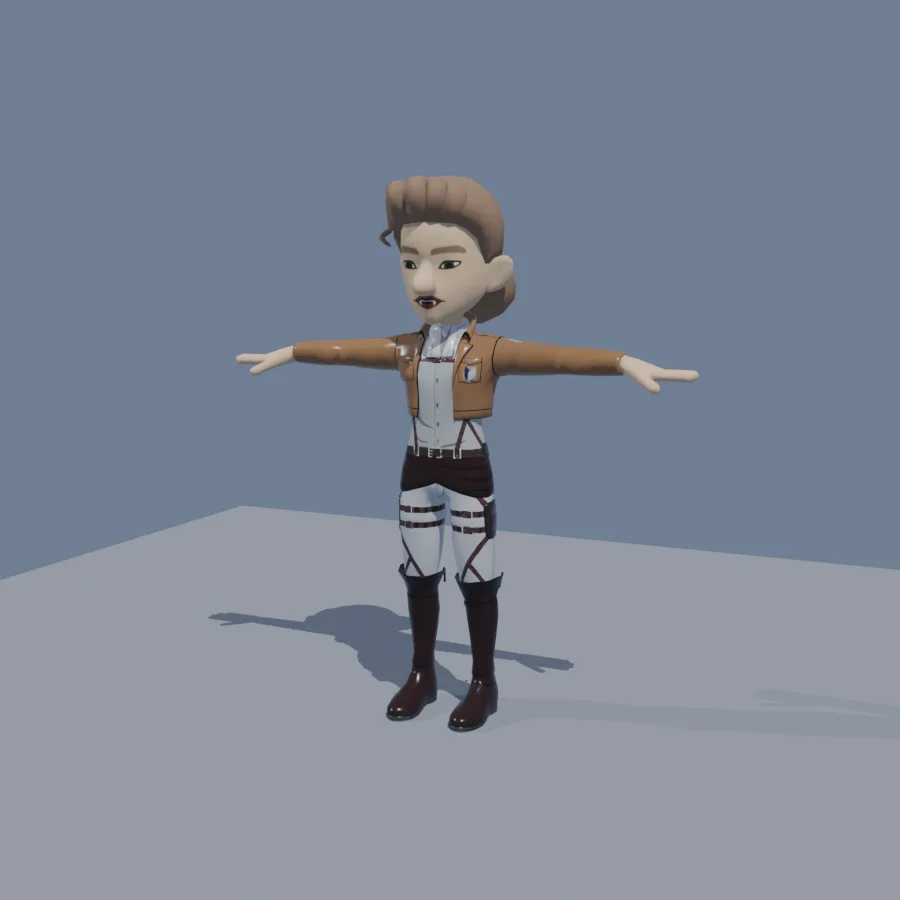
sona_export_avatarwrites it as a GLB in the T-pose with its body shape, and Blender's own glTF importer reads that: an armature of 71 bones (Unity Humanoid names plusshape_NN) and the skinned meshes.- Each clip you list is played by the core at your frame rate, and every joint's world transform is read with
sona_joint_worldeach frame. A bone's pose is its joint's move off the rest pose, carried into Blender's axes (the core's space is left-handed: x stays, y and z swap), so the add-on does not depend on how Blender orients bones. One action per clip, keyed every frame, on its own NLA track. - The manifest, the clip keys and the frame rate stay on the armature (
sona_manifest,sona_clips,sona_fps).
Export (File > Export > 360sona Avatar (.glb)): the armature, its meshes and every action, written by Blender's
glTF exporter, with the manifest in the armature node's extras. sona_anim_file_open and sona_clip_import read
the actions back as clips (by action name), retargeted onto any avatar like any imported clip
(Bring your own animation). An imported clip starts where the avatar stands, so its hips are moved over the
placement at the first frame.
Install and package
The add-on is one zip, sona360-blender-<version>.zip: the add-on, the Python binding and the library for your
system. In Blender: Edit > Preferences > Get Extensions > Install from Disk, then set your licence file and app id
in the add-on's preferences.
This page as Markdown · All the docs as one file (llms-full.txt)