Quality tiers
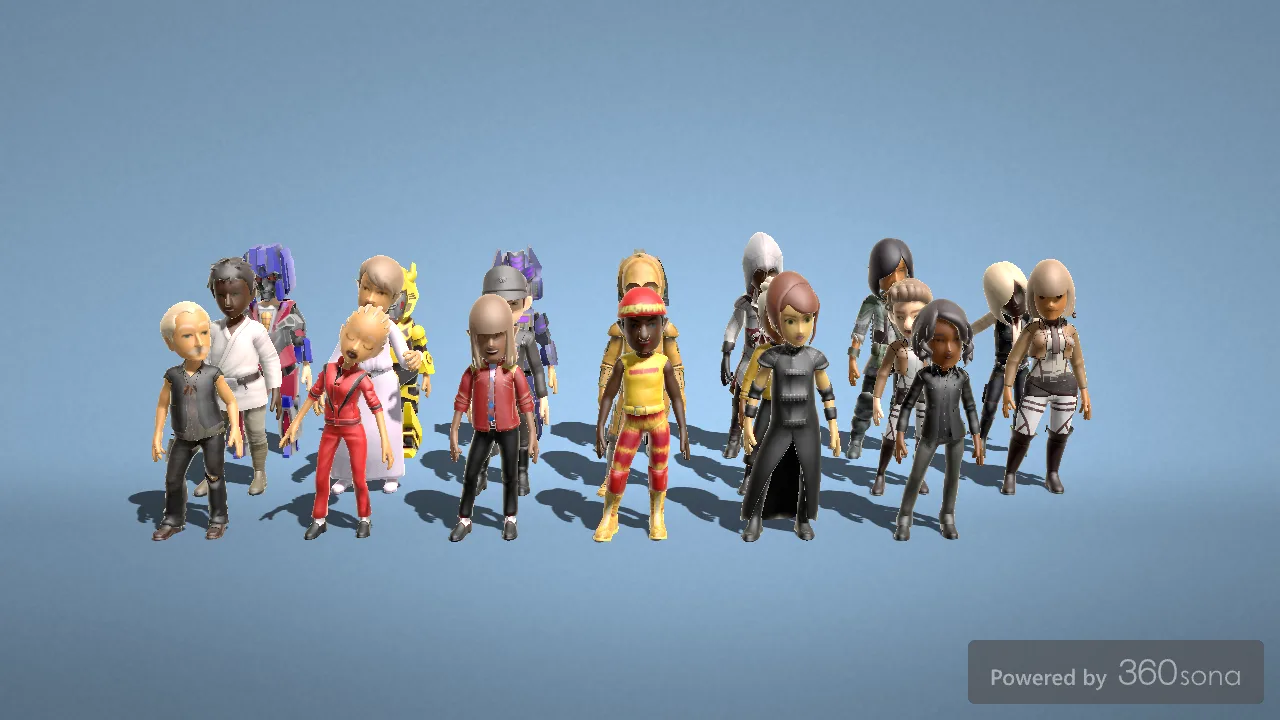
One call sets the quality for a class of device: the renderer's sample count and mip flags, the ctx's face sheet size
and its crowd levels of detail. SONA_TIER_LOW is the tier for low-end phones and old PCs: its target is
60 fps with 20 avatars on screen.
sona_tier_options t;
/* AUTO, a target of 60 fps, 20 avatars */
sona_tier_defaults(&t);
sona_tier_apply(ctx, renderer, &t);  /* AUTO asks sona_tier_detect */
// AUTO, a target of 60 fps, 20 avatars
sona_tier_options t = sona::tier_defaults();
// AUTO asks the renderer's device
ctx.tier_apply(r.raw(), &t);
// the binding has no tier wrapper: the ctx's side through its raw Native
// layer, the renderer's quality on it
var t = new Native.sona_tier_options();
// AUTO, a target of 60 fps, 20 avatars
Native.sona_tier_defaults(&t);
Native.sona_tier_apply(ctx.Handle, IntPtr.Zero, &t);
// the renderer's defaults
r.SetQuality();
// AUTO, a target of 60 fps, 20 avatars
let t = tier_defaults();
// AUTO asks the renderer's device
ctx.tier_apply(Some(r.raw()), Some(&t))?;
# The Python package has no renderer on a device of your own: it reads
# avatars as data (avatar.pose()) for an engine
# to draw, and draws pictures with sona.Headless.
# AUTO, a target of 60 fps, 20 avatars
t = sona.tier_defaults()
The tiers
Low, medium and high are SONA_TIER_LOW, SONA_TIER_MEDIUM and SONA_TIER_HIGH.
| Setting | Low | Medium | High |
|---|---|---|---|
Samples (sona_quality.msaa) |
1 | 2 | SONA_MSAA_AUTO (4 on a GPU) |
| Mip flags | MIPS |
MIPS, CUTOUT_MIPS |
MIPS, CUTOUT_MIPS |
| Face sheet | 128 | 256 (128 past 32 avatars) | automatic (512, 256 or 128 by count) |
LOD full_px / quarter_px / sprite_px |
720 / 160 / 96 | 360 / 60 / 64 | 120 / 40 / 48 (sona_lod_defaults) |
| Sprite crossfade, bake budget per draw | 0.15 s, 2 ms | 0.25 s, 3 ms | 0.25 s, 4 ms |
On the low tier only an avatar near full screen (720 pixels tall) is posed every frame; smaller ones pose when their
clip reaches a new frame (the clips have a frame rate of 30 fps, so the poses are the same frames, not blended between them), which
halves the CPU's posing and skinning in a game with a frame rate of 60 fps. The LOD thresholds are tuned for a target of 20 avatars at a frame rate of 60 fps. For another load they scale by the square root of
(avatars / 20) * (target_fps / 60), clamped to 0.5 to 3 times; the high tier only scales up. More avatars, or a
higher frame rate, pose fewer of them every frame and turn more of them into sprites sooner.
A renderer that cannot draw sprites (Metal, Xenos) keeps far avatars as meshes, and a device too small
for the sprite sheets gets the same thresholds with sprite_px 0: posing still drops to the sampled and quarter
rates. The face sheet size applies to avatars built from then on.
The tier leaves alone what the host chooses per draw or per avatar: shadows, bloom (SONA_DRAW_NO_BLOOM), lighting,
styles and sway. On the low tier, draw without SONA_DRAW_SHADOW and with SONA_DRAW_NO_BLOOM, and give sway
SONA_SWAY_LOW with a min_pixels of 96 or more.
Functions
sona_tier_defaults
void sona_tier_defaults(sona_tier_options *o);
size set, tier SONA_TIER_AUTO, target_fps 60, avatars 20, the rest zero.
sona_tier_apply
sona_result sona_tier_apply(sona_ctx *ctx, sona_renderer *r,
                            const sona_tier_options *o);
Applies the tier to the ctx (face sheet size, sona_lod_set) and, with r, to the renderer
(sona_renderer_set_quality). ctx NULL takes the renderer's ctx; r NULL changes the ctx's side only; o NULL is
the defaults. SONA_TIER_AUTO takes the tier sona_tier_detect gives for r, or for the ctx's first renderer, or
medium on a phone and high elsewhere when there is no renderer. Call it again at any time: the last call wins.
SONA_E_ARGUMENT when there is neither a ctx nor a renderer, the renderer is another ctx's, size is not
sizeof(sona_tier_options), tier is above SONA_TIER_HIGH, target_fps is not above 0 and at most 1000,
avatars is not 1 to 16384, or reserved is not zero.
sona_tier_detect
sona_result sona_tier_detect(const sona_renderer *r, uint32_t *out);
The tier the device behind r suits:
SONA_TIER_LOWfor a software rasteriser (llvmpipe, lavapipe, SwiftShader, WARP), the Xbox 360, or a device with a largest texture under 4096 or no multisampling;SONA_TIER_MEDIUMfor GLES and every Android or iOS build;SONA_TIER_HIGHfor the rest.
It is a starting point: measure on the device and step down when frames run long (sona_stats). SONA_E_ARGUMENT
when r or out is NULL.
Measured
sona_update, then sona_draw into a target of the device's own with two frames in flight and nothing read back. After
the timing the last frame is read back once and its covered pixels counted, and so is a snapshot of the same view: both
must show the crowd (at least a fortieth of the view, and within a factor of two of each other), so a draw that drew
nothing cannot pass as a fast one. The gate fails unless the low tier poses fewer avatars every frame than the high one.
The bench draws the same scene size with --tier: 20 avatars, each its own random outfit and body, 1280 x 720, on a
RTX 4090 machine, the median of three runs each:
sona-bench --scene crowd --counts 20 --size 1280x720 |
ms a frame | CPU ms a frame | GPU ms a frame |
|---|---|---|---|
--tier high |
0.39 | 0.37 | 0.09 |
--tier low |
0.39 | 0.38 | 0.1 |
A fast GPU says little about an old PC or a low-end phone; run sona-bench --tier low on the device itself. The low
tier cannot make a CPU-bound device (WARP, lavapipe) faster, as it draws one sample on every tier there.
The gate itself runs on the named device with SONA_LOW_END_DEVICE=<name> set and fails when a frame is over its 16.7 ms limit.
SONA_TIER_DEVICE picks the device it measures: vk, gl, d3d11 or metal, then :<n> (the nth device of that
API in sona_headless_devices), or software. A GL device has no game loop here, so there the snapshot times stand
in, which can only be slower.
This page as Markdown · All the docs as one file (llms-full.txt)