The NPC kit (sona_npc)
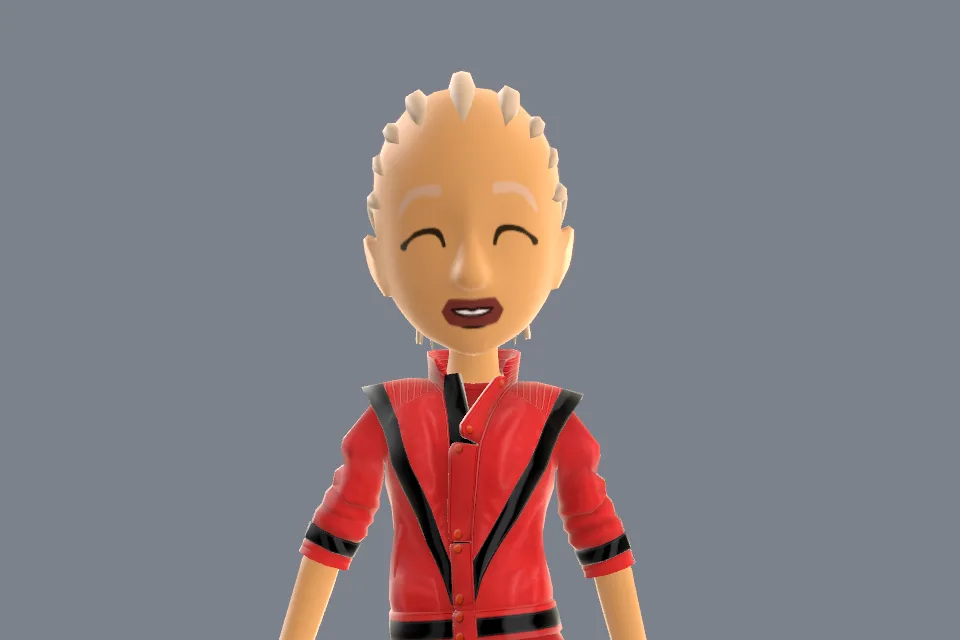
An avatar your game's agent drives: give it a line and it says it with lip sync, emotes what the words say and looks at the player while it talks. The agent (a dialogue tree, a script, a language model), its prompts and the voice are yours; the kit does the avatar's half.
It is an optional module beside the core: include/sona_npc.h, libsona_npc.so, sona_npc.dll,
libsona_npc.dylib and the static libsona_npc.a (sona_npc_static.lib under MSVC). It uses three core features
you can also call yourself: lip sync from text and audio (lip sync), text to emote
(emote) and the IK's look-at (IK). Its calls are C; C++ calls them as they are. The C#, Rust and Python bindings do not wrap
the kit, so its examples are in C only.
Tutorial: a shopkeeper
The tutorial's program is templates/npc/npc_kit.c, in the templates archive with its script
(getting it). It reads the agent's lines from a file (or from a pipe, so a
running agent can feed it), speaks them with any text-to-speech program and draws each frame to a PNG.
1. Build and run it
Build it against the download, linking the kit's library before the core:
tar xzf 360sona-templates.tar.gz -C sdk
cc -std=c11 -O2 -I sdk/include sdk/templates/npc/npc_kit.c -L sdk/lib \
    -lsona_npc -lsona -lm \
  -Wl,-rpath,sdk/lib -o npc_kit
On Windows, in a Developer PowerShell for Visual Studio, with sona.dll and sona_npc.dll beside the program:
cl /O2 /I sdk\include sdk\templates\npc\npc_kit.c `
  sdk\lib\sona_npc.lib sdk\lib\sona.lib
copy sdk\bin\sona.dll, sdk\bin\sona_npc.dll .
Run it. The avatar is member 53 of the sample avatars (installing); its item files
stream from 360sona, or come from a folder of your own with --dir <folder>:
mkdir -p npc
./npc_kit --licence sona-licence.json --cast sdk/devs-cast.json --member \
    53 \
    --script sdk/templates/npc/tutorial-lines.txt --tts \
        "espeak-ng -f {textfile} -w {wav}" \
    --out-dir npc --sheet npc-sheet.png
--tts is any command that writes a 16-bit mono WAV: {textfile} is a file holding the line, {wav} where the WAV
goes. espeak-ng is in most Linux package managers. On Windows the system's own voice does it, with this script saved
as say.ps1 and --tts "powershell -NoProfile -ExecutionPolicy Bypass -File say.ps1 {textfile} {wav}":
param($TextFile, $Wav)
Add-Type -AssemblyName System.Speech
$s = New-Object System.Speech.Synthesis.SpeechSynthesizer
$f = New-Object System.Speech.AudioFormat.SpeechAudioFormatInfo 16000, Sixteen, Mono
$s.SetOutputToWaveFile($Wav, $f)
$s.Speak([IO.File]::ReadAllText($TextFile))
$s.Dispose()
Without --tts the lines are said at an even pace with no sound. --cpu draws on a software device where there is
no GPU, and --check exits 1 unless every line was said, the mouth moved, an emote played and the head turned.
The script (templates/npc/tutorial-lines.txt) is the agent:
look 1.6 0.6 1.2
say Hello there! Welcome to my shop.
say I have hats, shirts and shoes. Have a look around.
wait 1
emote laugh
say Ha, that one is my favourite. Wave if you need me.
look off
look puts the player's head 1.6 m to the NPC's left, 0.6 m above its hips and 1.2 m in front. Give --script -
and pipe lines in to drive it live.
2. Make the NPC
#include "sona_npc.h"

sona_npc_options o;
sona_npc_defaults(&o);
o.speak = speak;              /* your text to speech, below */
o.speak_user = &voice;
/* told when a line starts and ends: play the audio on start */
o.line = on_line;
o.line_user = &game;
sona_npc *npc;
sona_npc_create(ctx, avatar, &o, &npc);
#include "sona_npc.h"

sona_npc_options o;
sona_npc_defaults(&o);
o.speak = speak;              // your text to speech, below
o.speak_user = &voice;
// told when a line starts and ends: play the audio on start
o.line = on_line;
o.line_user = &game;
sona_npc *npc = nullptr;
sona_npc_create(ctx.raw(), avatar.raw(), &o, &npc);
// The NPC kit (sona_npc) has no C# binding: its calls are C. Call them from
// C or C++, or declare the
// few you need with [DllImport("sona_npc")] beside the SDK's own Native
// class.
// The NPC kit (sona_npc) has no Rust crate: its calls are C. Declare the
// ones you need in an
// extern "C" block and link sona_npc beside sona360-sys.
# The NPC kit (sona_npc) has no Python binding: its calls are C. Load
# libsona_npc with ctypes
# and declare the calls you need, as the package's own _native module does
# for the core.
The avatar should be playing an idle (Stand0 or the procedural idle): the kit layers its emotes and the look over
it.
3. The voice
static int speak(void *user, const char *text, const int16_t **pcm,
    uint32_t *samples, uint32_t *rate) {
  my_voice *v = user;
  /* no voice: the line is shown without sound */
  if (!my_tts(v, text)) return 0;
  /* mono 16-bit, valid until the next call */
  *pcm = v->pcm;
  *samples = v->samples;
  *rate = v->rate;
  return 1;
}
#include "sona_npc.h"

struct my_voice { const int16_t *pcm; uint32_t samples, rate; };
bool my_tts(my_voice &v, const char *text);

static int speak(void *user, const char *text, const int16_t **pcm,
    uint32_t *samples, uint32_t *rate) {
  my_voice &v = *static_cast<my_voice *>(user);
  // no voice: the line is shown without sound
  if (!my_tts(v, text)) return 0;
  // mono 16-bit, valid until the next call
  *pcm = v.pcm;
  *samples = v.samples;
  *rate = v.rate;
  return 1;
}
// The NPC kit (sona_npc) has no C# binding: its calls are C. Call them from
// C or C++, or declare the
// few you need with [DllImport("sona_npc")] beside the SDK's own Native
// class.
// The NPC kit (sona_npc) has no Rust crate: its calls are C. Declare the
// ones you need in an
// extern "C" block and link sona_npc beside sona360-sys.
# The NPC kit (sona_npc) has no Python binding: its calls are C. Load
# libsona_npc with ctypes
# and declare the calls you need, as the package's own _native module does
# for the core.
The kit aligns the line's words to that audio (sona_lipsync_text), so the mouth shapes land on the sounds, and the
line lasts as long as the audio. Play the same samples from the line callback's start.
4. The agent's lines
uint32_t id;
/* queued; said in order */
sona_npc_say(npc, "Hello there! Welcome to my shop.", &id);
/* at once, without a word */
sona_npc_emote(npc, "laugh");
/* the player's head, world space */
float head[3] = { px, py, pz };
/* NULL: no one to look at */
sona_npc_look_at(npc, head);
uint32_t id;
// queued; said in order
sona_npc_say(npc, "Hello there! Welcome to my shop.", &id);
// at once, without a word
sona_npc_emote(npc, "laugh");
// the player's head, world space
const float head[3] = { px, py, pz };
// nullptr: no one to look at
sona_npc_look_at(npc, head);
// The NPC kit (sona_npc) has no C# binding: its calls are C. Call them from
// C or C++, or declare the
// few you need with [DllImport("sona_npc")] beside the SDK's own Native
// class.
// The NPC kit (sona_npc) has no Rust crate: its calls are C. Declare the
// ones you need in an
// extern "C" block and link sona_npc beside sona360-sys.
# The NPC kit (sona_npc) has no Python binding: its calls are C. Load
# libsona_npc with ctypes
# and declare the calls you need, as the package's own _native module does
# for the core.
A line's words also pick its emote: "Hello there!" waves, "that is hilarious" laughs. Use
SONA_NPC_NO_EMOTE for a voice-only NPC. Lines wait in a queue of 32 (SONA_E_LIMIT past that).
5. Each frame
sona_npc_update(npc, dt);
sona_update(ctx, dt, NULL, NULL);

sona_npc_state st;
st.size = sizeof st;
/* SONA_NPC_IDLE, _SPEAKING (st.line), _EMOTING; st.queued */
sona_npc_state_get(npc, &st);
sona_npc_update(npc, dt);
ctx.update(dt);

sona_npc_state st;
st.size = sizeof st;
// SONA_NPC_IDLE, _SPEAKING (st.line), _EMOTING; st.queued
sona_npc_state_get(npc, &st);
// The NPC kit (sona_npc) has no C# binding: its calls are C. Call them from
// C or C++, or declare the
// few you need with [DllImport("sona_npc")] beside the SDK's own Native
// class.
// The NPC kit (sona_npc) has no Rust crate: its calls are C. Declare the
// ones you need in an
// extern "C" block and link sona_npc beside sona360-sys.
# The NPC kit (sona_npc) has no Python binding: its calls are C. Load
# libsona_npc with ctypes
# and declare the calls you need, as the package's own _native module does
# for the core.
The head turns to the player while a line is said and for look_seconds (2) after, inside the look-at's limits; for a
player behind the NPC the head goes back to the clip. Between lines, every idle_emote_seconds
(8; 0 never) it does something small: looks around, shifts its weight, checks its hand.
6. Tidy up
sona_npc_destroy hands the mouth, face and head back to the clip. Destroy the NPC before removing its avatar.
What the kit uses
- Speech:
sona_lipsync_textover the voice's audio, sampled each frame intosona_avatar_mouth. - Emotes:
sona_emote_from_texton each line (a confidence of 0.5 or more), played withsona_avatar_emoteon the emote layers (4 to 7). A looping emote (a dance) ends with its line; a gesture plays out. - The look:
sona_avatar_ik_lookwith its defaults.
This page as Markdown · All the docs as one file (llms-full.txt)